Content transferred from the community forum by mozixun | Original link
Since Ubuntu has built-in snap firefox by default (but it is really slow to open), deepin has built-in Linyaps version of deepin browser. So I will also try to package the fastest Chromium browser on the planet.
Because I don’t know how to use the ll-pica tool , so I started with the Home Cooking appimage version, taking the SSE4 universal version as an example (that is, it can be used if the processor has SSE4 instruction set support):
I referred to this document before https://linglong.dev/guide/ll-appimage-convert/introduction.html The YAML build file was generated for the QQ appimage version, so I deleted the part that decompressed the appimage and generated a more general YAML: https://wwyg.lanzouo.com/i9kxe2fjpr9i (Just delete the txt suffix)
It was a smooth journey when I packaged WeChat and QQ. Except for right-clicking to open the browser and other things that need to call systemd-run, I often deepin The v23 repository pulled down systemd and its dependencies (it looks very big, but is actually 5M in size), decompressed them, and placed them under bin and libs in the linglong/sources directory respectively. No major problems were encountered. However, as soon as the browser was packaged, problems arose. If no more changes were made, Thorium would encounter the following problems when running in Linyaps:
1. The open in xx mode on the desktop file is all invalid (I am still working hard to fix it)
2. Tell you that Thorium cannot detect whether it is the default browser
3.Thorium’s appimage special edition specifically adds the feature of not detecting the browser default, so the default browser cannot be set.
4. When opening the application with a browser (that is, calling xdg-open to open the file), only one browser can be opened and the corresponding page cannot be opened.
The first problem I will fix in the next version of deepin browser (org.deepin.browser)
In the second and third cases, I directly pointed to the files in the bin and lib directories placed in the deepin browser container. kuku copy solved this problem, but it did not solve the problem that the default browser cannot be set under KDE Plasma 6.1 and can only be set in the KDE system settings.
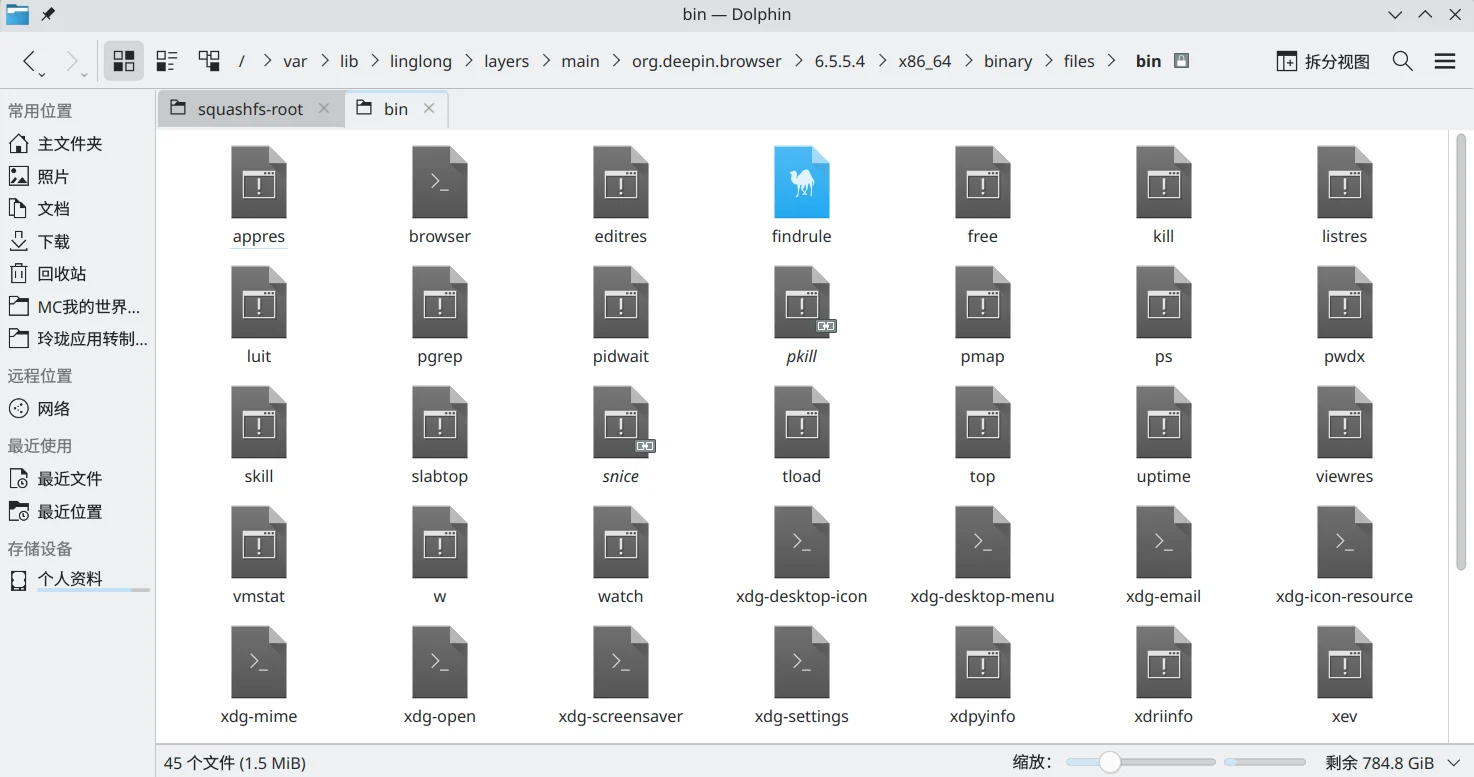
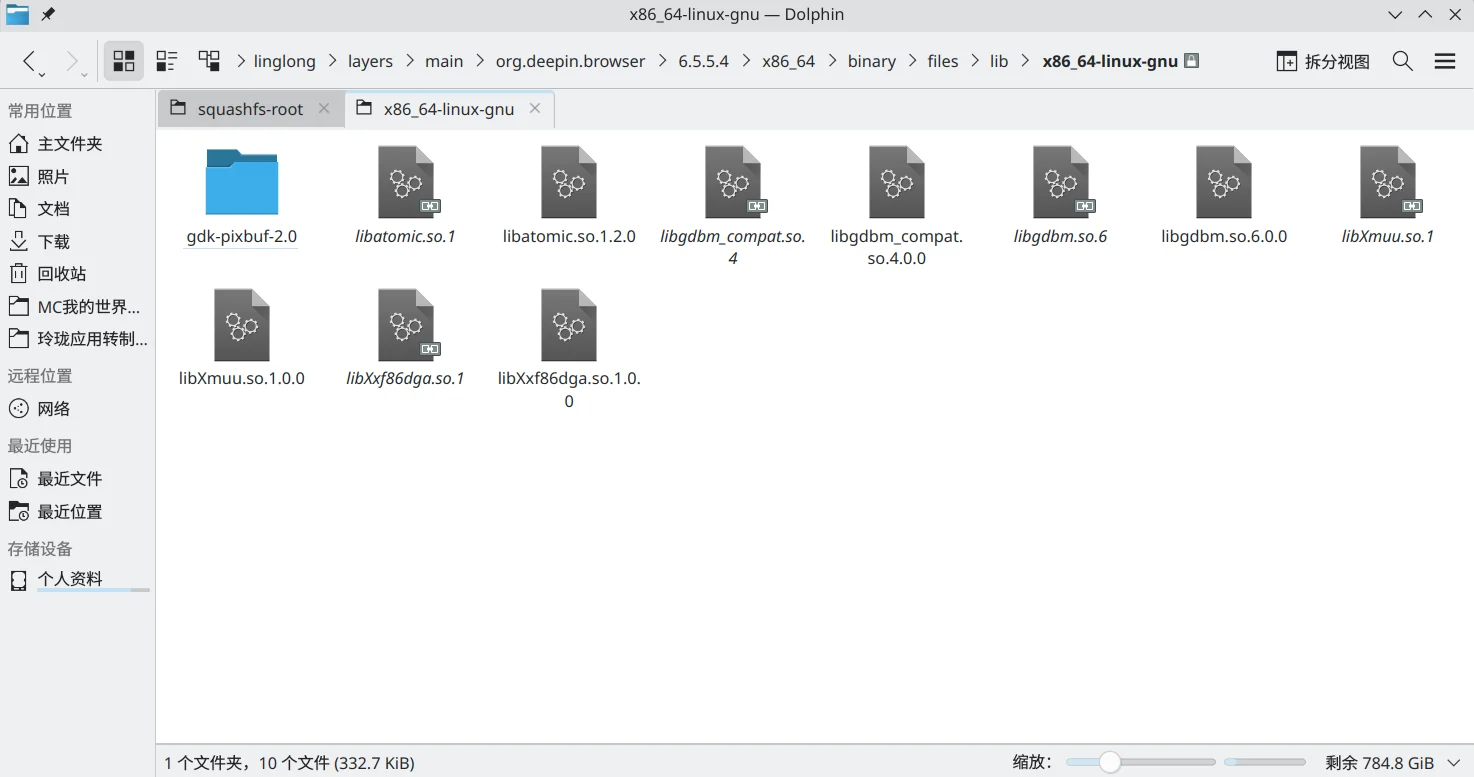
These are easy to solve, But the fourth question gave me a headache all afternoon
Because the deepin browser does not seem to have this problem, I added %U to the files generated by the desktop and tried to pass parameters. As a result, ll-builder && ll-builder export –layer found that it was still useless.

So I went to consult the boss @Ziggy , then I knew In the Linyaps package of the original appimage package, "$@" must be added to the AppRun startup script in order to pass parameters such as matching with xdg-open. , before this boss gave me some advice, I randomly changed the startup scripts built into AppRun and Linyaps, but all ended in failure. In fact, just add the characters in the red box (special for passing parameters) here.
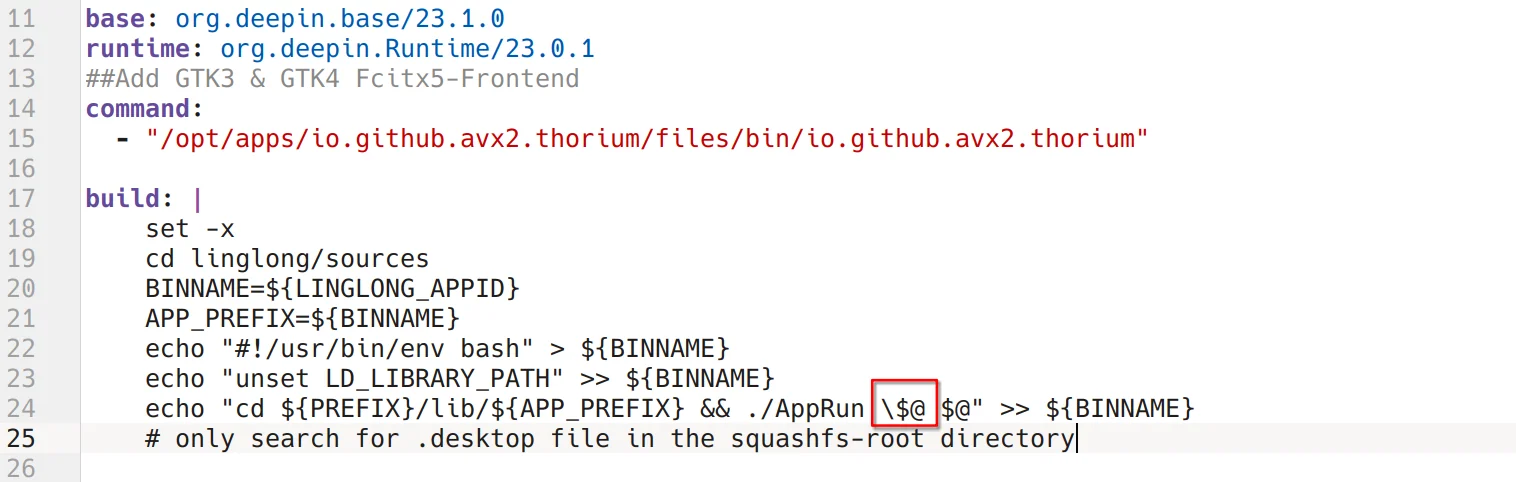
Adding the backslash "\" is used to tell the echo command that my $ and @ characters are of no use. No need to fantasize, just follow the output and it will be fine
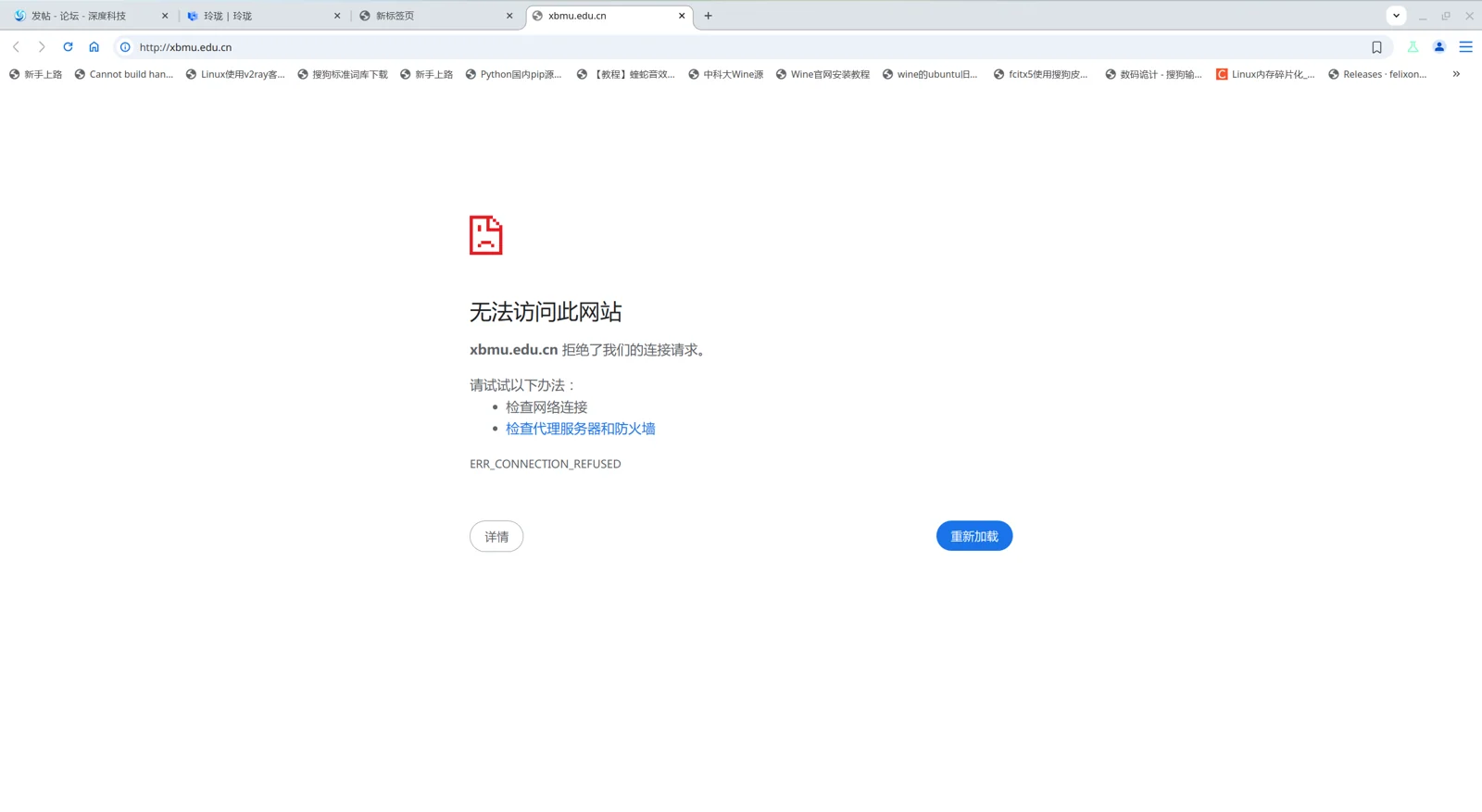
After joining, run ll-builder build && ll-builder export –layer build and run to successfully open the web page through xdg-open.
Currently, the regular version and AVX2 special version of Thorium are already on their way to the Linyaps app store. Everyone is welcome to download and experience it.
- Big news! XDG officially supports Linyaps(Linyaps)
- When BMF meets Linyaps: An AI-supported audio and video conversion tool is launched like this
- Offline Events | COSCon’25 this weekend: Friends from Beijing, come and sit at the booth!
- Linyaps community test source is online, and there is no need to wait for the latest software and hardware!
- [Project Sharing] Runtime top update: Tauri and Flutter applications support native builds
English edition: Linglong · 18 October 2026. Original publication: 2024-11-20.