On this page
1. Find out what is already installed2. Choose a repository policy deliberately3. Search, then use the exact application ID4. Verify the outcomeA complete handover note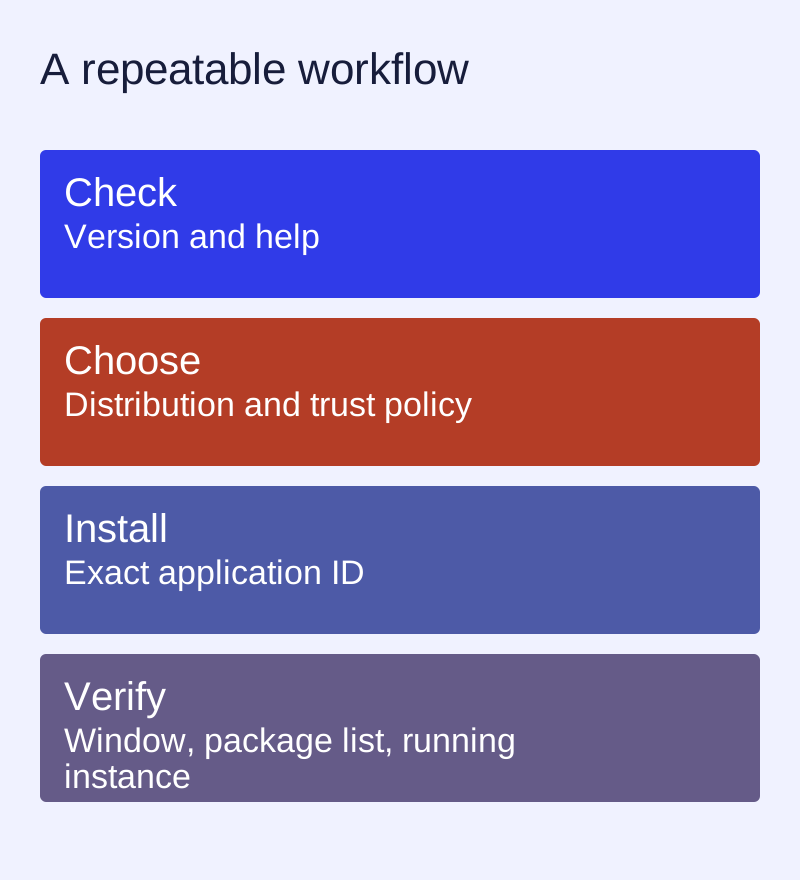
1. Find out what is already installed
Open your Linux terminal and run ll-cli --version. Keep the exact version. The command reference in this edition follows the 1.14.x documentation; a machine running 1.5 or 1.6 may expose different options. If the shell cannot find the command, choose the instructions for your distribution on the installation page.
ll-cli --version
ll-cli --help
2. Choose a repository policy deliberately
The project installation guide distinguishes its release repository from its latest development repository. Start with the release instructions unless you are deliberately testing unreleased changes. The documented APT/DNF recipes currently use HTTPS without package-signing metadata: trusted=yes and gpgcheck=0 are trust decisions, not cosmetic flags. Read the installation page before copying a recipe. Distribution-native packages may follow a different policy.
3. Search, then use the exact application ID
For the documented calculator example, search first. A display name is not the application ID. Inspect the result, repository and version before installing.
ll-cli search calculator
ll-cli install org.deepin.calculator
ll-cli run org.deepin.calculator
This example is copied from the project workflow. Availability and the version returned by a repository can change; a search result on your own machine is the relevant evidence.
4. Verify the outcome
Check that the expected application window opens. Use ll-cli list to inspect installed applications and ll-cli ps to inspect running instances. If installation succeeds but launching fails, collect the exact command and error before changing dependencies. Follow the troubleshooting guide.
A complete handover note
Distribution and release:
CPU architecture:
ll-cli version:
Repository selected:
Application ID and version:
Command entered:
Expected result:
Actual result / exact error:
Remove personal paths, account identifiers and access tokens before posting logs. Installation, launch and desktop integration are separate checks; one does not prove the other two.
Keep the command, version and manual together
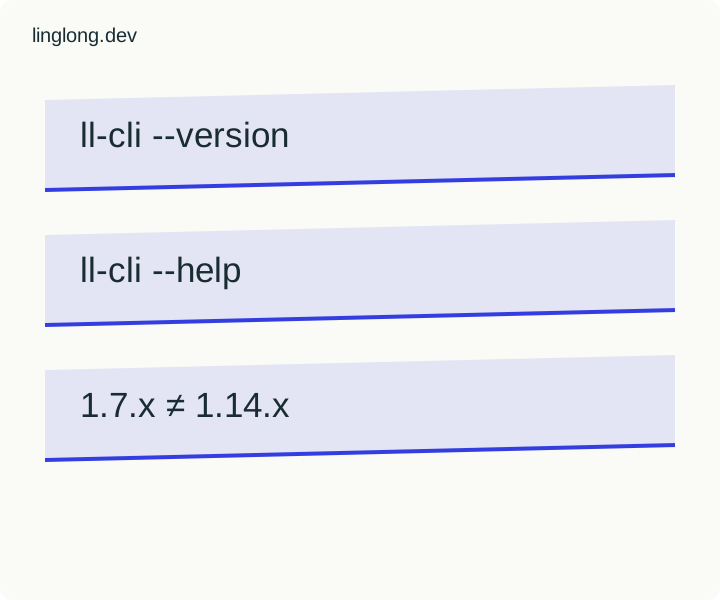
An old tutorial can be useful without being the right command reference for your installed release. The upstream ll-cli reference currently labels itself 1.14.x. Build a compatibility note before using a command from a 1.7.x community article or video.
- On the Linux machine you intend to use, read ll-cli --version and ll-cli --help. Keep their exact output with the operating-system version. These are inspection commands; this exercise asks for no installation, repository change or application launch.
- Match the manual’s stated version family to the installed release. A tutorial date and a package version are different fields. A store catalogue snapshot also does not establish which CLI is on your machine.
- If the tutorial uses an option absent from local help, stop before substituting a guessed command. Record the discrepancy and consult the matching upstream manual. Preserve the historical command as a quotation from its own release, not a current recommendation.
Worked record
| Invented comparison | Local version: 1.14.0; tutorial family: 1.7.x; reference family: 1.14.x. These are illustrative local values, not output from this computer. |
|---|---|
| Check to perform | Does the exact subcommand and option appear in the installed help and matching reference? Record both sources rather than answering from memory. |
| Handover note | OS/version __; ll-cli version __; help excerpt __; manual URL/family __; tutorial date/family __; mismatch __; next documented step __. |
| Execution boundary | No Linyaps installation or package operation was performed for this example. Compatibility of a particular application remains untested. |
The existing installation guide explains separate repository trust decisions. A matching command name is not an application security review, a successful build or a successful installation.
Primary sources: Linyaps: ll-cli reference, 1.14.x