Use ll-builder run to run the compiled executable program.
View the help information for the ll-builder run command:
ll-builder run --help
Here is the output:
Usage: ll-builder [options] run

Options:
   -v, --verbose show detail log
   -h, --help Displays this help.
   --exec <exec> run exec than build script

Arguments:
   run run project
The ll-builder run command reads the operating system environment information related to the program according to the configuration file, constructs a container, and executes the program in the container without installation.
ll-builder run
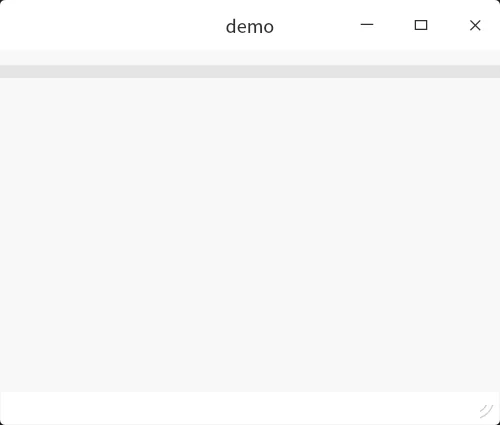
If ll-builder run runs successfully, the output is as follows:
To facilitate debugging, use an additional --exec /bin/bash parameter to replace the default execution program after entering the container, such as:
ll-builder run --exec /bin/bash
With this option, ll-builder will enter the bash terminal after creating the container, and can perform other operations inside the container.
Documentation adapted from the versioned OpenAtom-Linyaps source. Examples describe the documented workflow; they are not a claim of a local Linux test.
© UnionTech Software Technology Co., Ltd. · LGPL-3.0-or-later