On this page
A web page is not the package managerTrace four distinct stagesUse an explicit inspection pathWorked incident: no desktop promptWhat this restored store doesSources and next step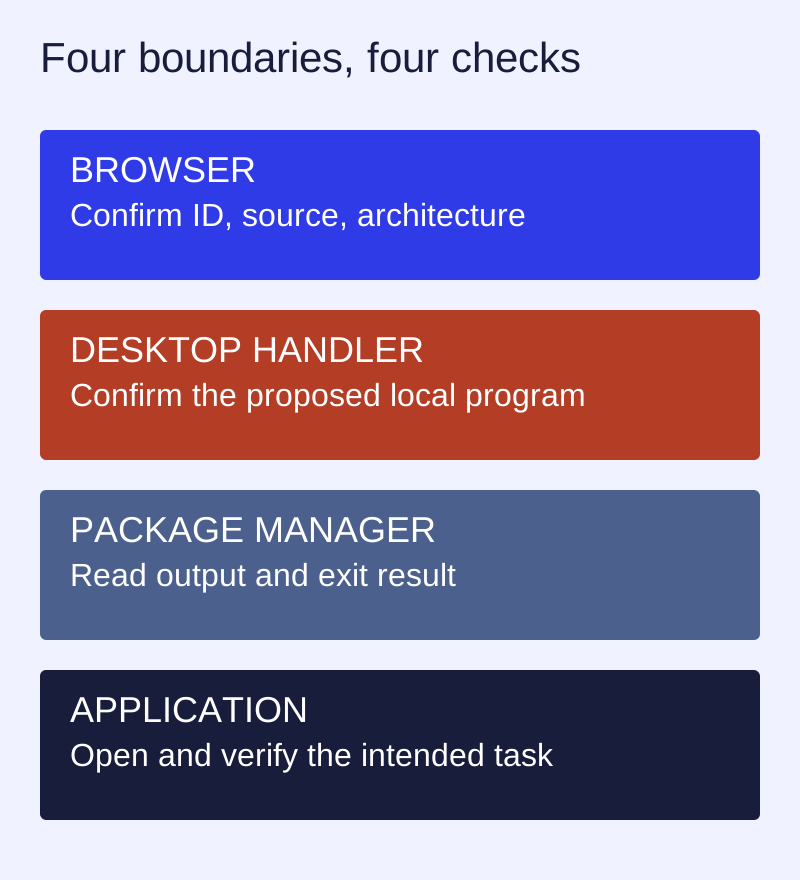
A web page is not the package manager
The recovered 2022 installer source parses an application URI, extracts its host as the application ID, and starts ll-cli install with that ID as a separate process argument. After a zero exit code, its Run button starts ll-cli run. This explains the old hand-off; it does not establish that every current desktop registers the same handler.
Trace four distinct stages
- Browse: confirm the application ID, source repository and architecture in the catalog.
- Hand off: check which desktop program the browser proposes to open. Cancelling that prompt is different from a failed package installation.
- Install: read the package manager’s actual output and exit result. A downloaded installer is not an installed application.
- Launch: open the application and check its main task. Installation success alone does not verify the window, file access or desktop shortcut.
Use an explicit inspection path
ll-cli --version
ll-cli list
ll-cli ps
For a documented application ID, use the command planner to inspect the corresponding command text. Check the matching local --help before using it on a machine. This website never executes it.
Worked incident: no desktop prompt
A user can browse the catalog but clicking an old installation link opens no desktop dialog. The failure is at the browser-to-handler boundary; it is not evidence that the application is absent from the repository. Record the browser, desktop, expected handler and exact link. Compare the supported installation route in current documentation before reinstalling the runtime.
What this restored store does
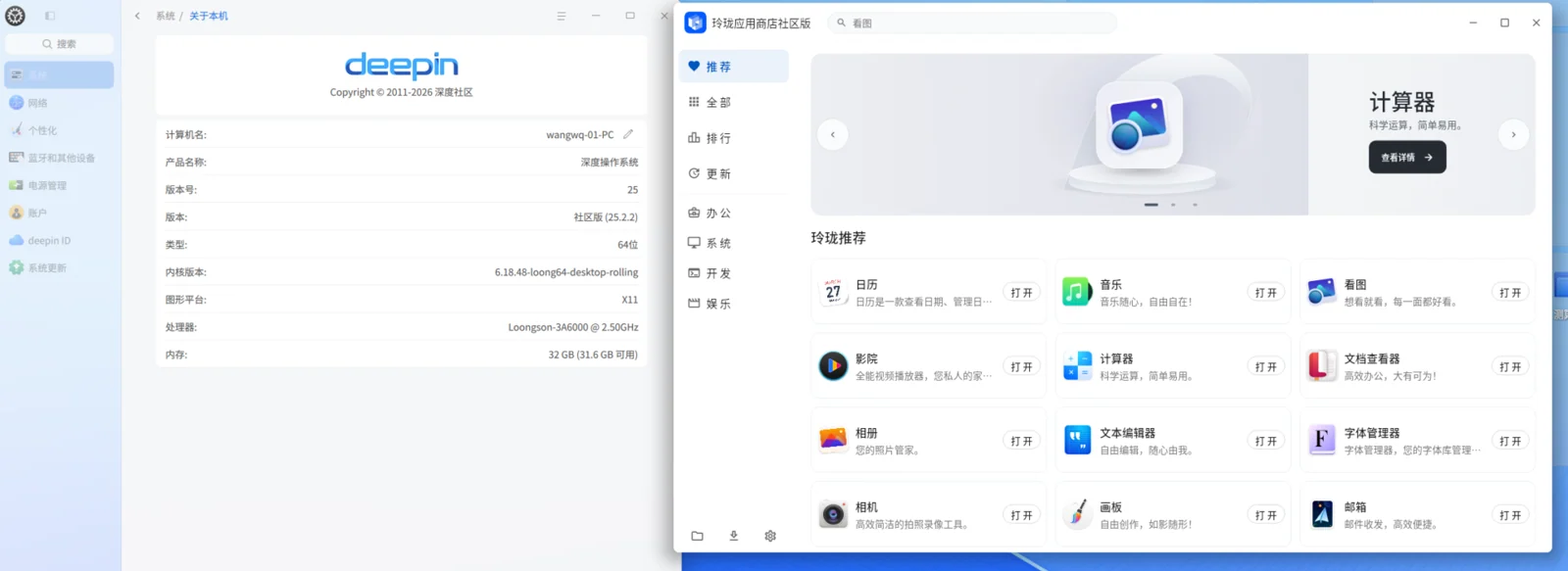
It provides source-backed catalog records, package IDs, release files and readable procedures. It does not register a protocol handler, approve a privileged prompt, send installation events or count successful installs on your behalf.
Sources and next step
Versioned project reference · 3.7.0 release · Open the restored store