On this page
Keep the version attached to the commandMake an inventory before changing anythingCompare one workflow at a timeA filled comparison structure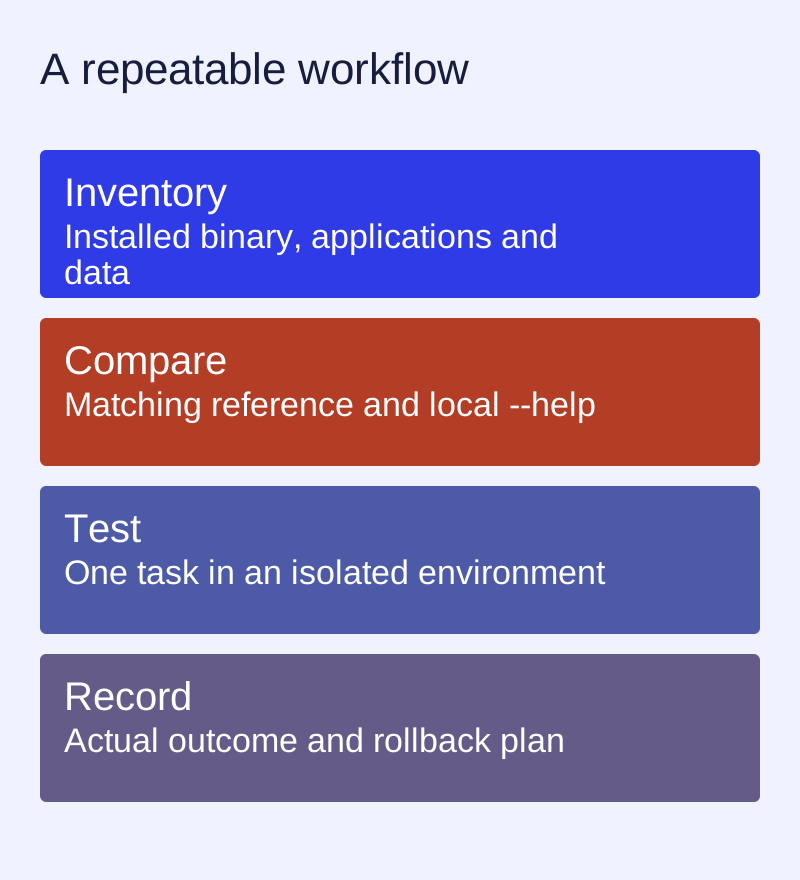
Keep the version attached to the command
This site preserves 1.5.0 and 1.6.3 documentation beside the 1.14.x reference. A successful command copied from a 2023 article is not proof that its options, runtime IDs or repository endpoint remain current. Begin with the installed binary's version and help.
ll-cli --version
ll-cli run --help
ll-builder --version
ll-builder build --help
Make an inventory before changing anything
Record installed applications and running instances with ll-cli list and ll-cli ps. Save your manifest in version control or a local copy you control. Document the source of base/runtime IDs. Back up important application data through an appropriate method for the application; a package list is not a data backup.
Compare one workflow at a time
- Open the reference for the installed version.
- Write the task in plain language: search, install, run, build or export.
- Read the equivalent page in the target documentation.
- Compare argument names, output format, runtime/base expectations and repository instructions.
- Try the smallest example in an isolated test environment and record the actual result.
A filled comparison structure
For the task “run an installed application”, keep the application ID constant and compare the run reference and local --help output. Fill in the required arguments from that version. Do not construct a hybrid command by combining an option from the old page with a runtime ID from a new release.
Task: run an installed application
Current binary version:
Current command and help source:
Target documentation version:
Arguments that changed:
Runtime/base or repository change:
Test environment:
Observed result:
Rollback / data protection plan:
The version selector links to corresponding documents when they were actually recovered. Missing pages are not treated as translations or manufactured equivalents.