On this page
Two installations, two different jobsIdentify the machine firstChoose an artifact that actually existsA worked choiceKeep stable and nightly separateSources and next step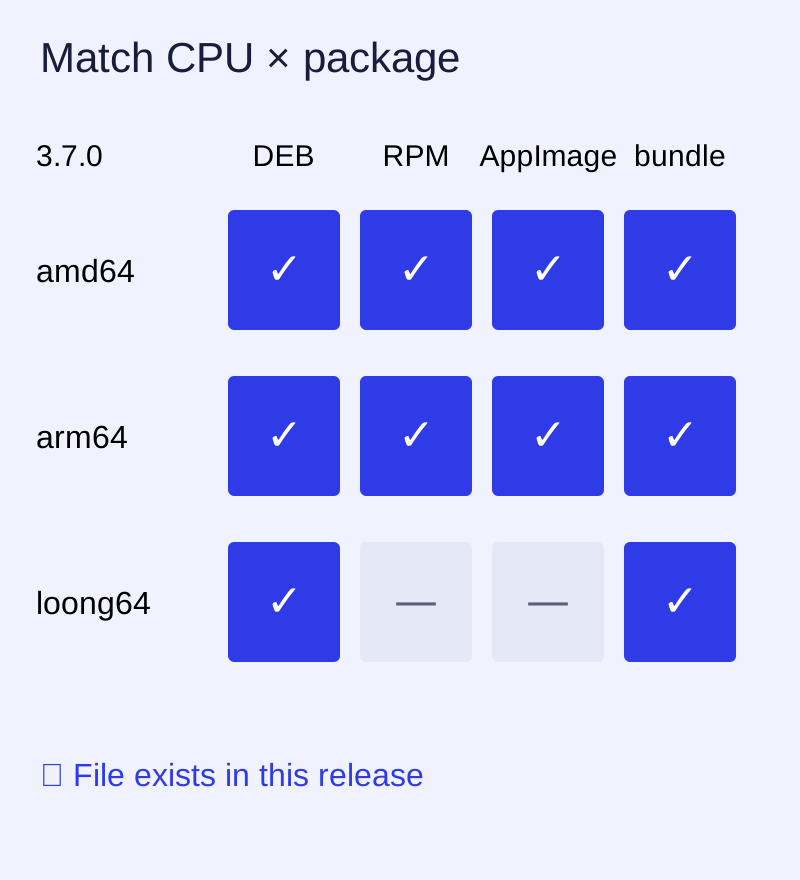
Two installations, two different jobs
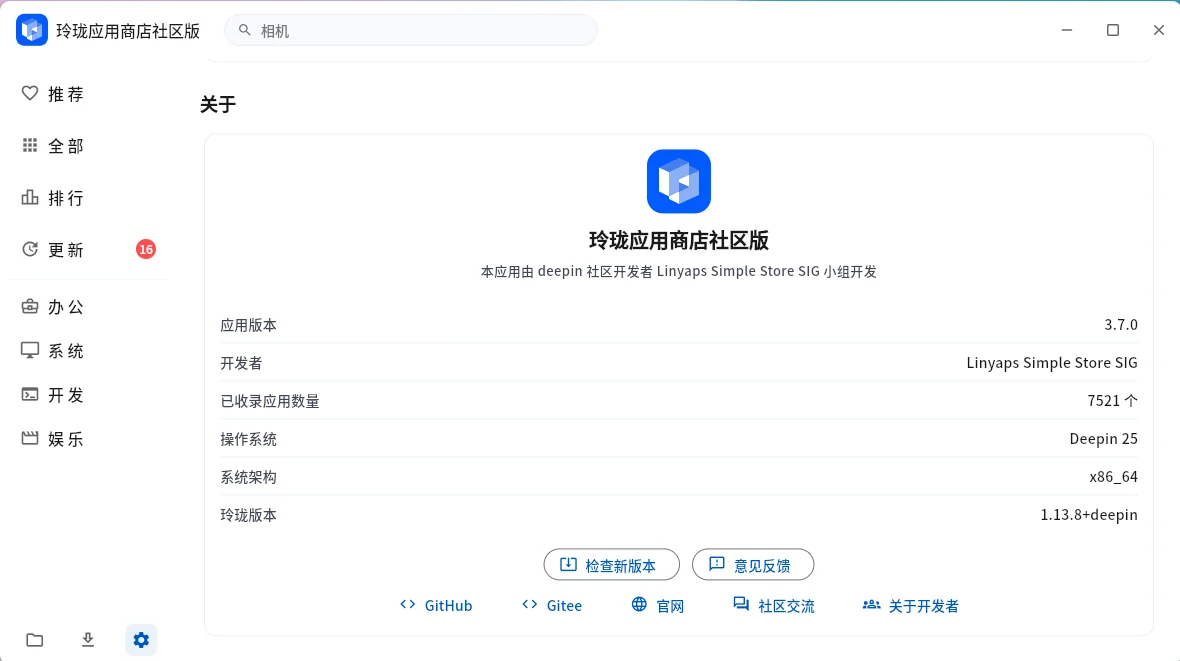
The desktop store is an application for finding and managing software. Linyaps is the packaging and runtime environment underneath it. Installing a store package does not, by itself, prove that the runtime, repository and desktop integration are ready.
Identify the machine first
uname -m
cat /etc/os-release
ll-cli --version
These are inspection commands. Keep their actual output. A missing ll-cli is a separate environment problem; do not substitute a random installer from an old event page.
| Reported CPU | Release filename label |
|---|---|
| x86_64 | amd64; RPM uses x86_64 |
| aarch64 | arm64; RPM uses aarch64 |
| loongarch64 | loong64 |
Choose an artifact that actually exists
The obtained 3.7.0 release has DEB packages for all three architectures, RPM and AppImage packages for amd64/arm64, and Linux tar bundles for all three. It does not contain a loong64 RPM or AppImage. A source archive and a Copr spec are build inputs, not interchangeable desktop installers.
- Record your distribution and CPU.
- Open the release selector and match both architecture and package format.
- Read the release notes and distribution requirements.
- Download the selected file and its checksum manifest; verify them before installation.
- Use your distribution’s normal installation procedure, then check the runtime separately.
A worked choice
If uname -m reports x86_64 and the machine uses a Debian-family package system, the 3.7.0 DEB candidate is linglong-store_3.7.0_amd64.deb. This identifies the intended artifact; it is not a claim that every Debian derivative has been tested. For loongarch64, the corresponding DEB label is loong64, not arm64.
Keep stable and nightly separate
The project README says stable and nightly share an installation path and cannot coexist. Treat changing channel as a deliberate replacement. Save application data and consult the project instructions before changing it; this website does not uninstall anything.
Sources and next step
Versioned project reference · 3.7.0 release · Open the restored store