Author of this article: EICO Reprinted from: Public account EIC
LinyapsLinyaps (abbreviation: Linyaps) is a new type of independent package management toolset, dedicated to managing various compatibility issues caused by complex formats and cross-dependencies of traditional software packages under Linux systems, as well as security risks caused by too loose permission control. (Project address: https://github.com/OpenAtom-Linyaps)
CachyOS is a A user-friendly distribution of Arch Linux designed to provide optimized performance and security. It supports multiple desktop environments such as KDE Plasma, GNOME, Xfce, etc. and is suitable for both beginners and experienced users.
Next, let us quickly use the Linyaps package software on Cachy OS.
Since I am using Cachy OS+KDE environment, I use KWrite to open the /etc/pacman.conf file and add the following content at the end. (Of course you can also use nano to add it from the command line)
(Thanks to taotieren for the source: https://github.com/taotieren/aur-repo)
[aur-repo]
## China Telecom Network (100Mbps) (ipv4, ipv6, http, https)
Server = https://fun.ie8.pub:2443/aur-repo/$arch

## CloudFlare Preferred CDN (ipv4, ipv6, http, https)
Server = https://mirrors.kicad.online/aur-repo/$arch

## CloudFlare Free CDN (ipv4, ipv6, http, https)
Server = https://aur-repo.taotieren.com/aur-repo/$arch

## China Mobile Network (50Mbps) (ipv6, http, https)
Server = https://aur-repo6.taotieren.com/aur-repo/$arch

Include = /etc/pacman.d/aur-repo-mirrorlist
Open the terminal and enter the command to update the source:
sudo pacman -Syu aur-repo-mirrorlist-git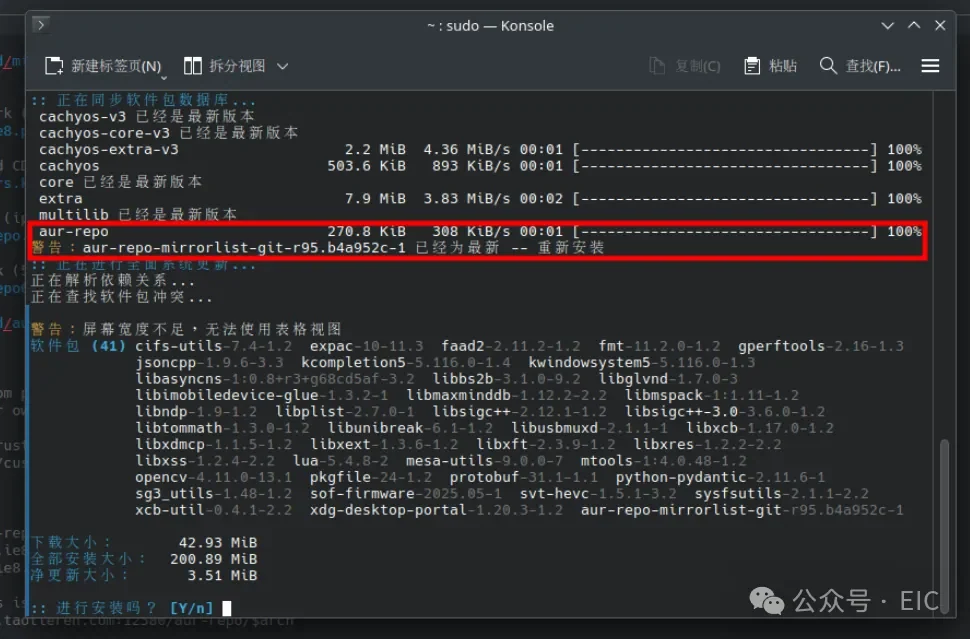
Add and trust the GPG key to the pacman keyring in the terminal:
sudo pacman-key --recv-keys FEB77F0A6AB274FB0F0E5947B327911EA9E522ACsudo
pacman-key --lsign-key FEB77F0A6AB274FB0F0E5947B327911EA9E522AC
If yay has not been installed before, install yay first:
sudo pacman -S yayNext install linyapsLinyaps environment:
yay -S linyapsRestart the Linyaps service
sudo systemctl restart org.deepin.linglong.PackageManager.serviceThen go to this network disk link to download the Linyaps store arch package:
Link: https://pan.quark.cn/s/f4de523c2eef
Then install this package and enter it as shown in the picture
sudo pacman -S and then drag the package in (you can also enter your package manually)
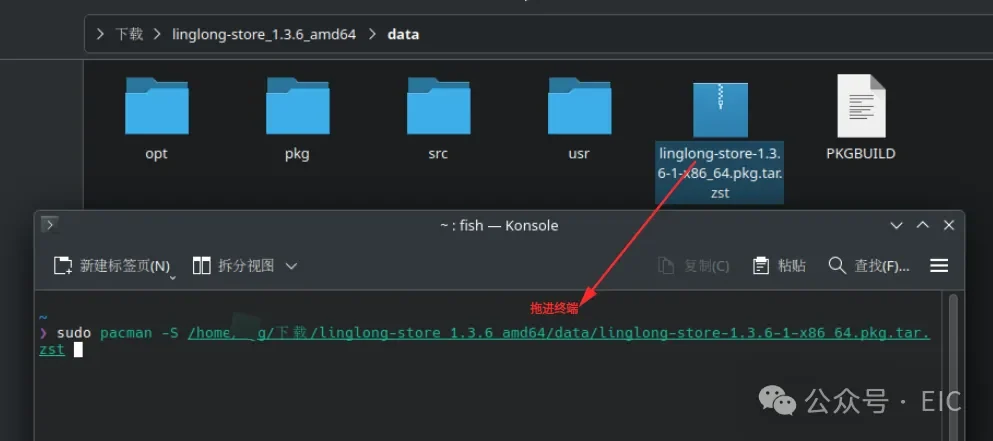
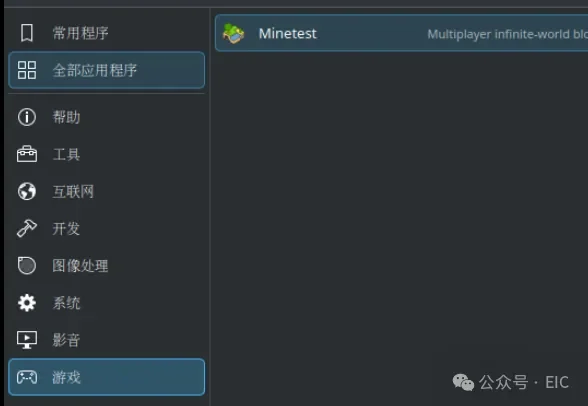
After successful installation, we open it in the program directory
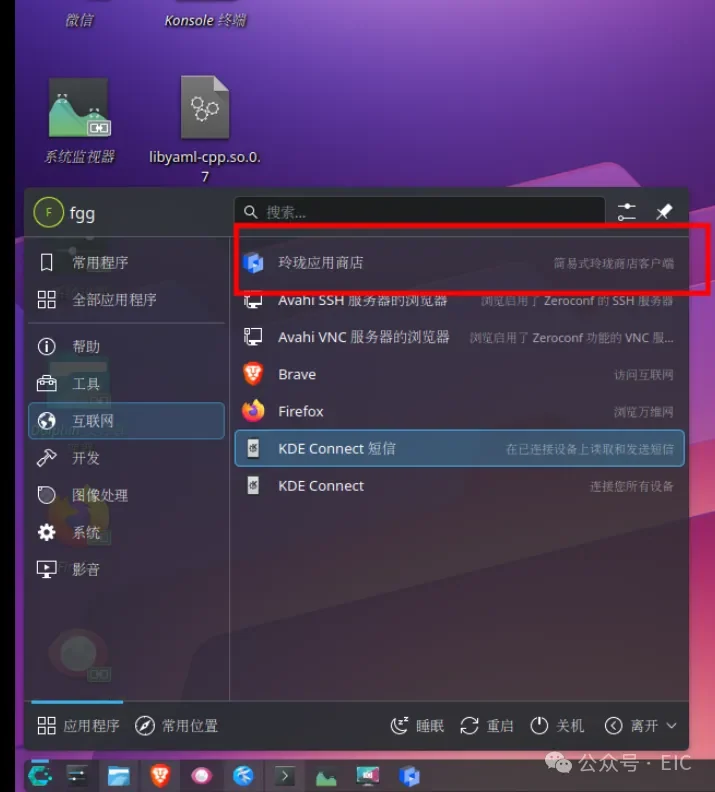
There are many common applications here, all native to Linux:

Everyone can try these applications.
Another way to install Linyaps software is to use the web version to download and install the Linyaps package.
First enter in the terminal
yay -S linyaps-installerThen open this online store URL: https://store.linyaps.org.cn/
Select the software you want, click Install and wait until 100% installation is completed.

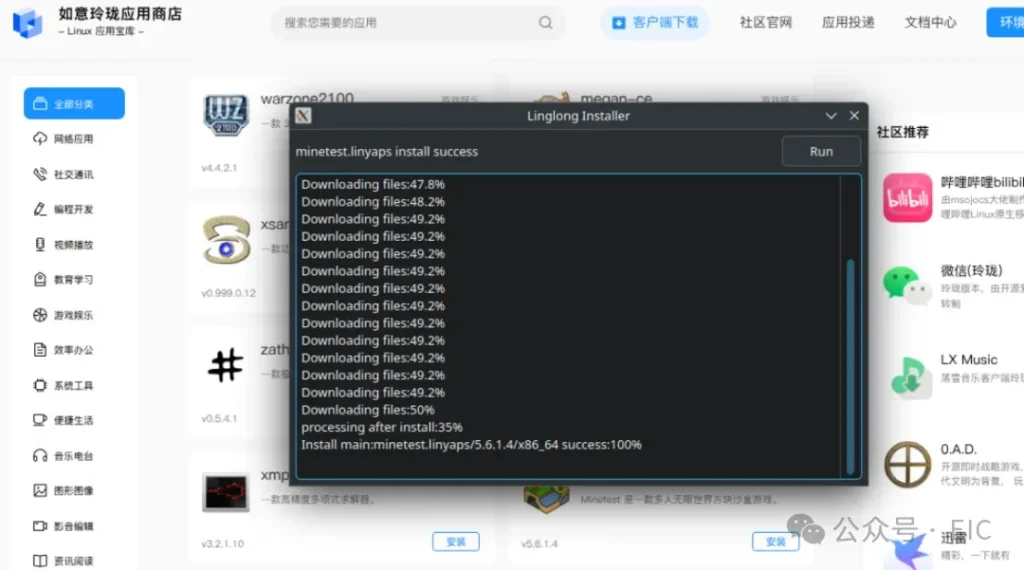
Thanks at the end taotieren Source provided by and author of the Linyaps store client Jokul。
English edition: Linglong · 18 October 2026. Original publication: 2025-06-16.