Reprinted from the forum: Python-based Appimage to Linyaps package GUI program Author:HelloWorld!
Usage environment: deepin23, install Linyaps build environment, python3.12
Picture:
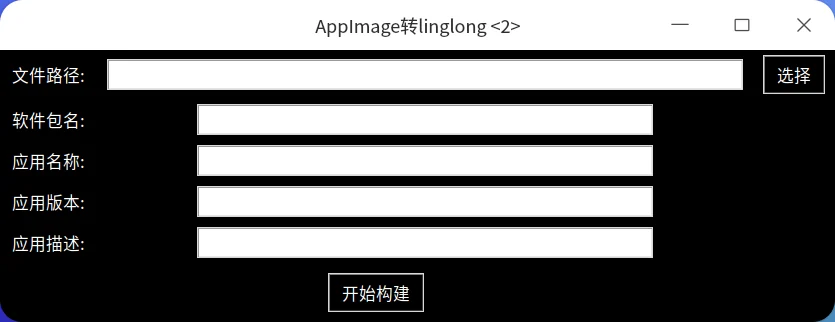
How to use:
1. Select the appimage file and click open
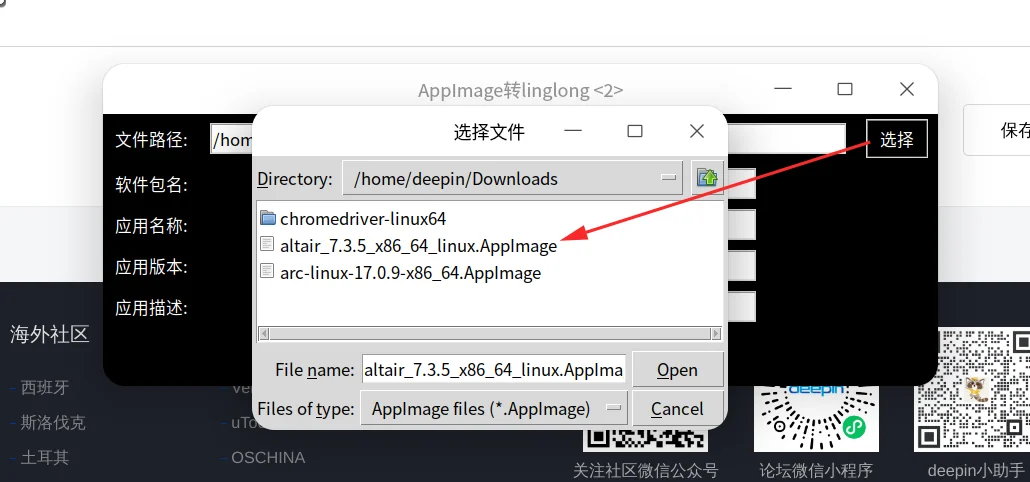
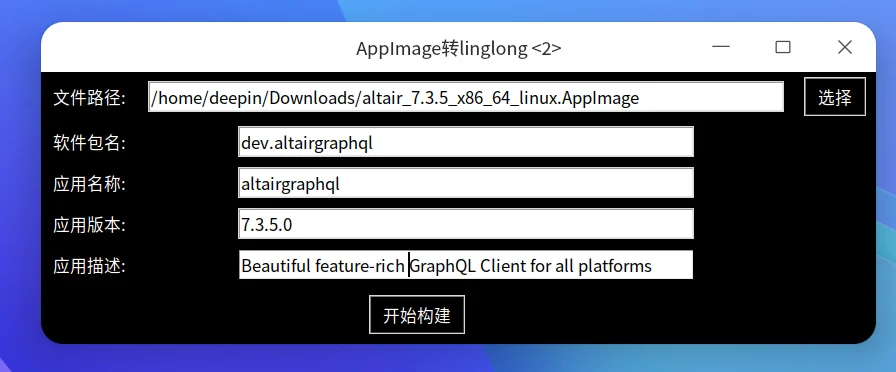
2. Fill in the software package name, application name, application version and description. The package name is a 4-digit number separated by commas.
3. Click to start building
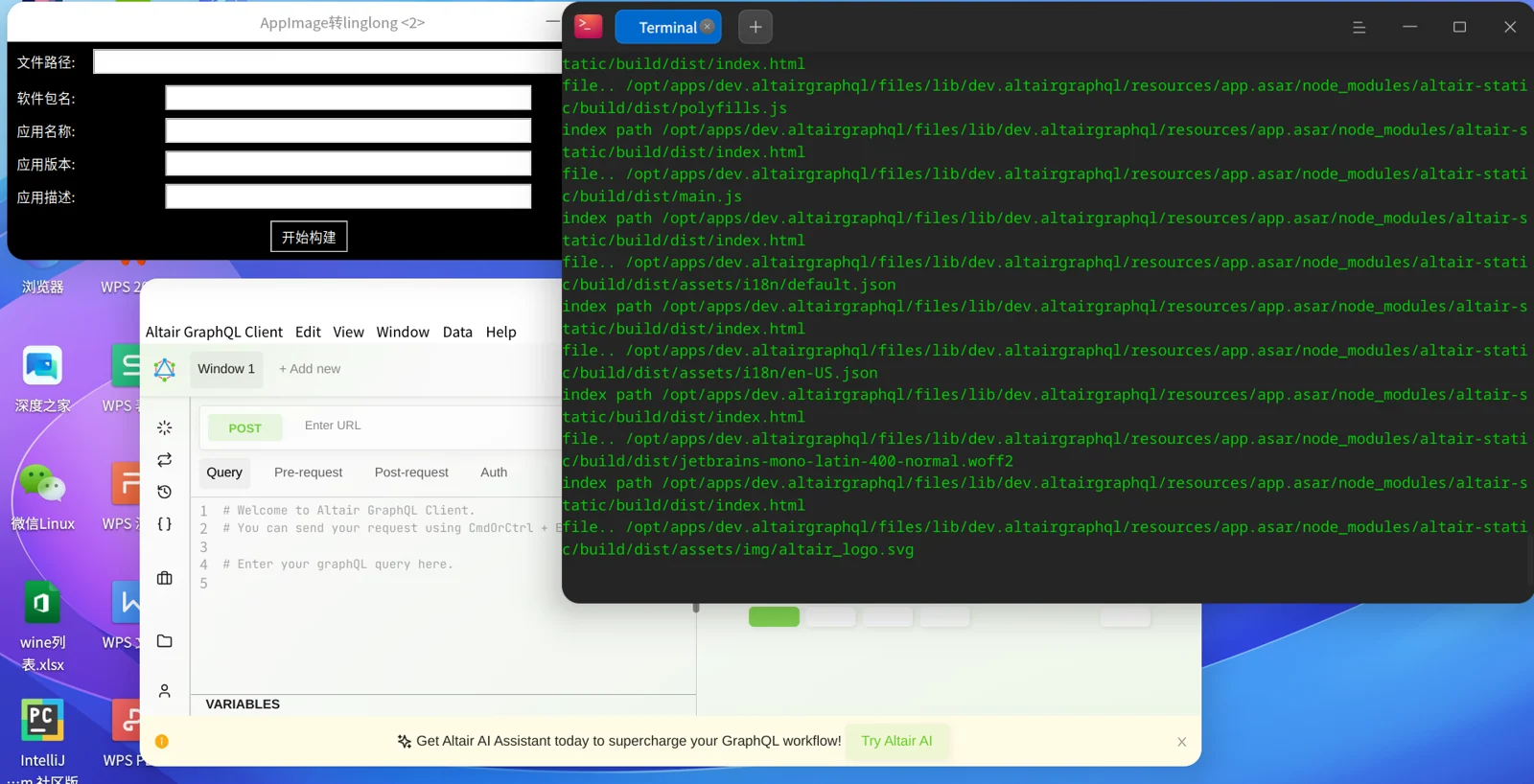
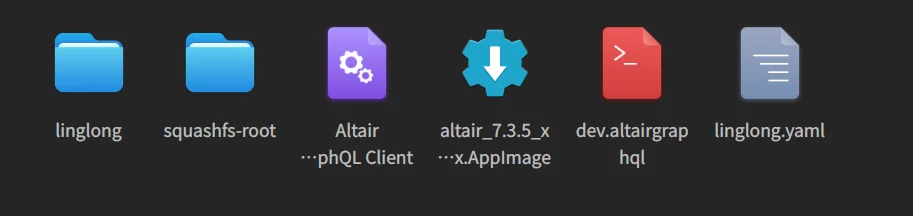
4. After the build is completed, you can see yaml files, etc. in the /home/deepin (user name)/altairgraphql (application name) directory. The program will not execute export. If there is no problem with the build, you can execute ll-builder export –layer in this directory to get the layer file.
5. If the program cannot run, you can execute ll-builder run –exec /bin/bash in the build directory to enter the container to check the problem.
6. The icon is abnormal after installation. You can open /home/deepin/altairgraphql (build directory)/linglong/output/binary/entries/../files/share to check whether the icons folder exists.
English edition: Linglong · 18 October 2026. Original publication: 2024-09-11.