Reprinted from the forum: [Technical Exchange] How to convert Python program into Linyaps package Author:HelloWorld!
Migrating simple python programs to Linyaps on deepin23
Run ScreenPen module on global system
python3 -m screenpen
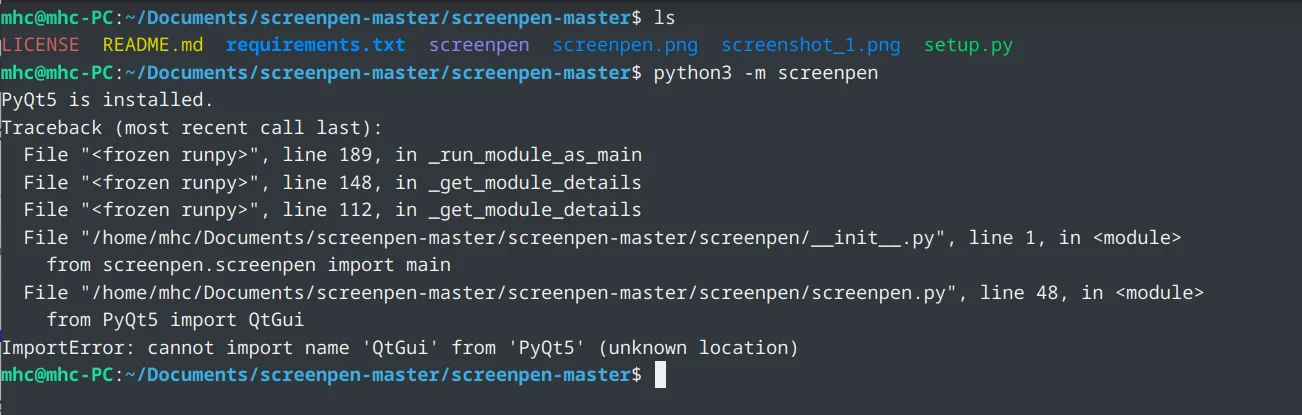
Install dependent library pyqt5
pip3 install pyqt5
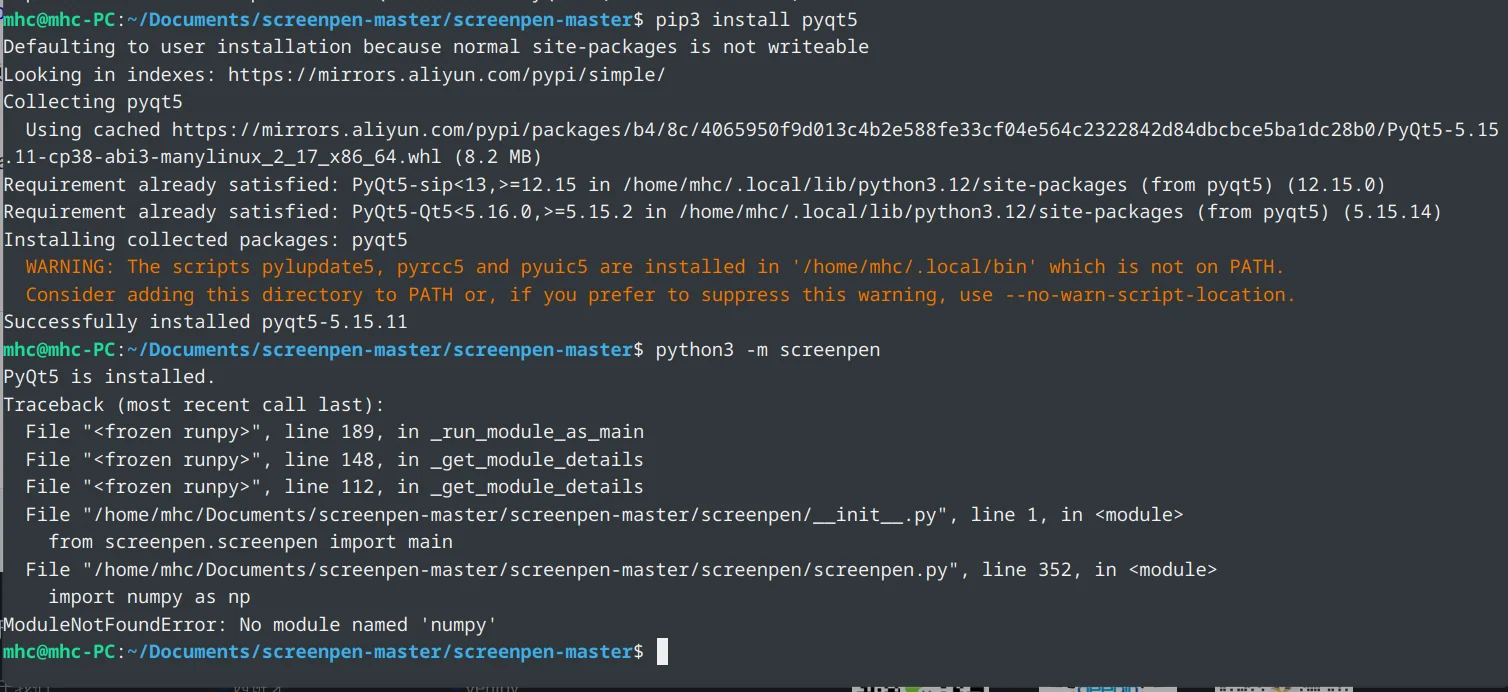
Install dependent library numpy
pip3 install numpy
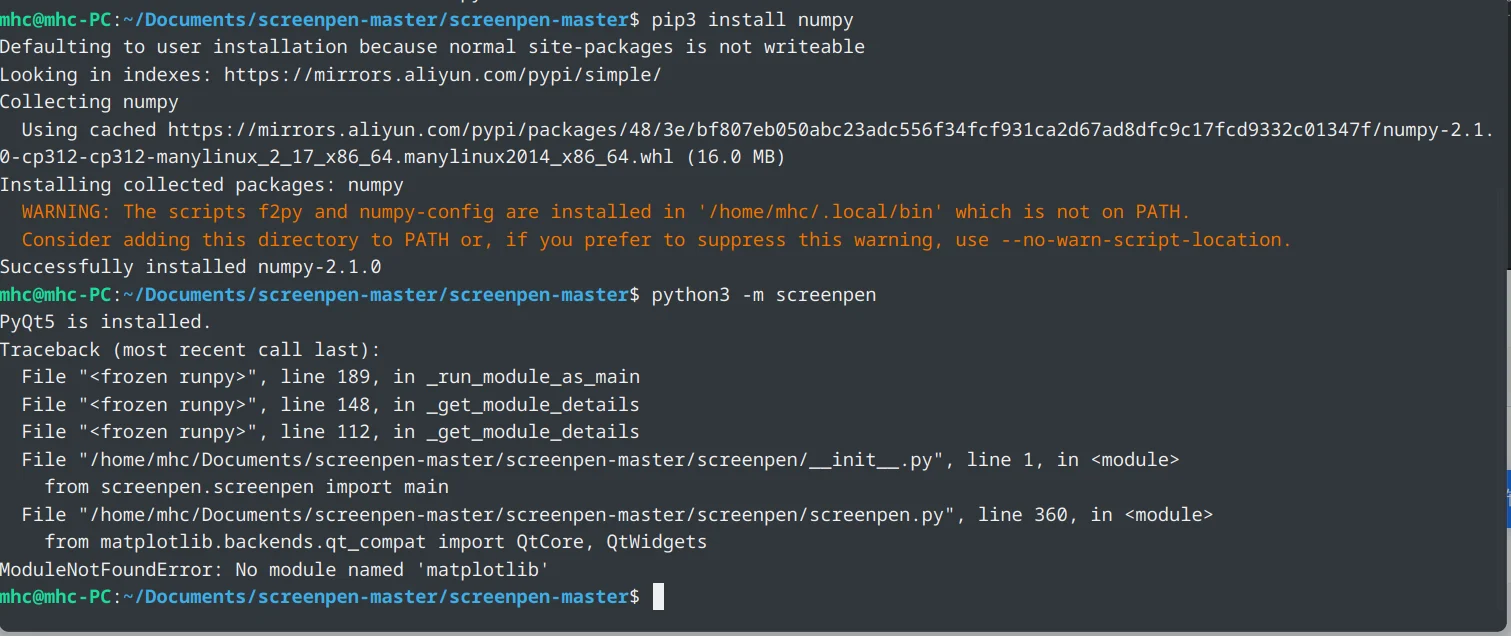
Install dependent library matplotlib
pip3 install matplotlib
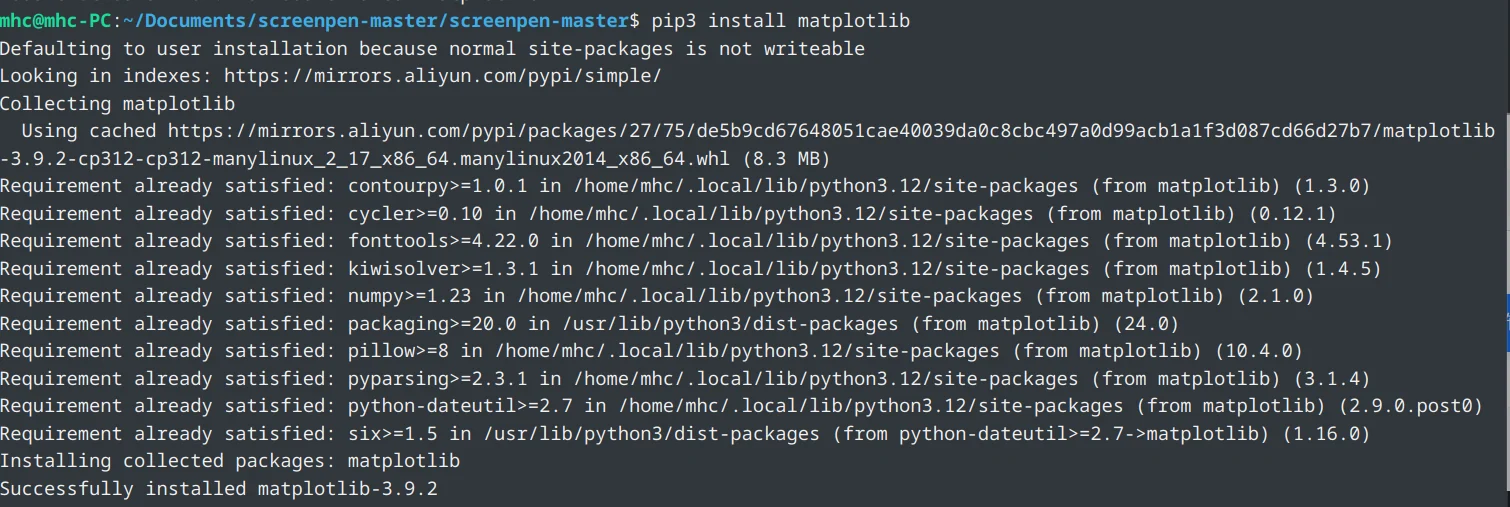
Run module
python3 -m screenpen
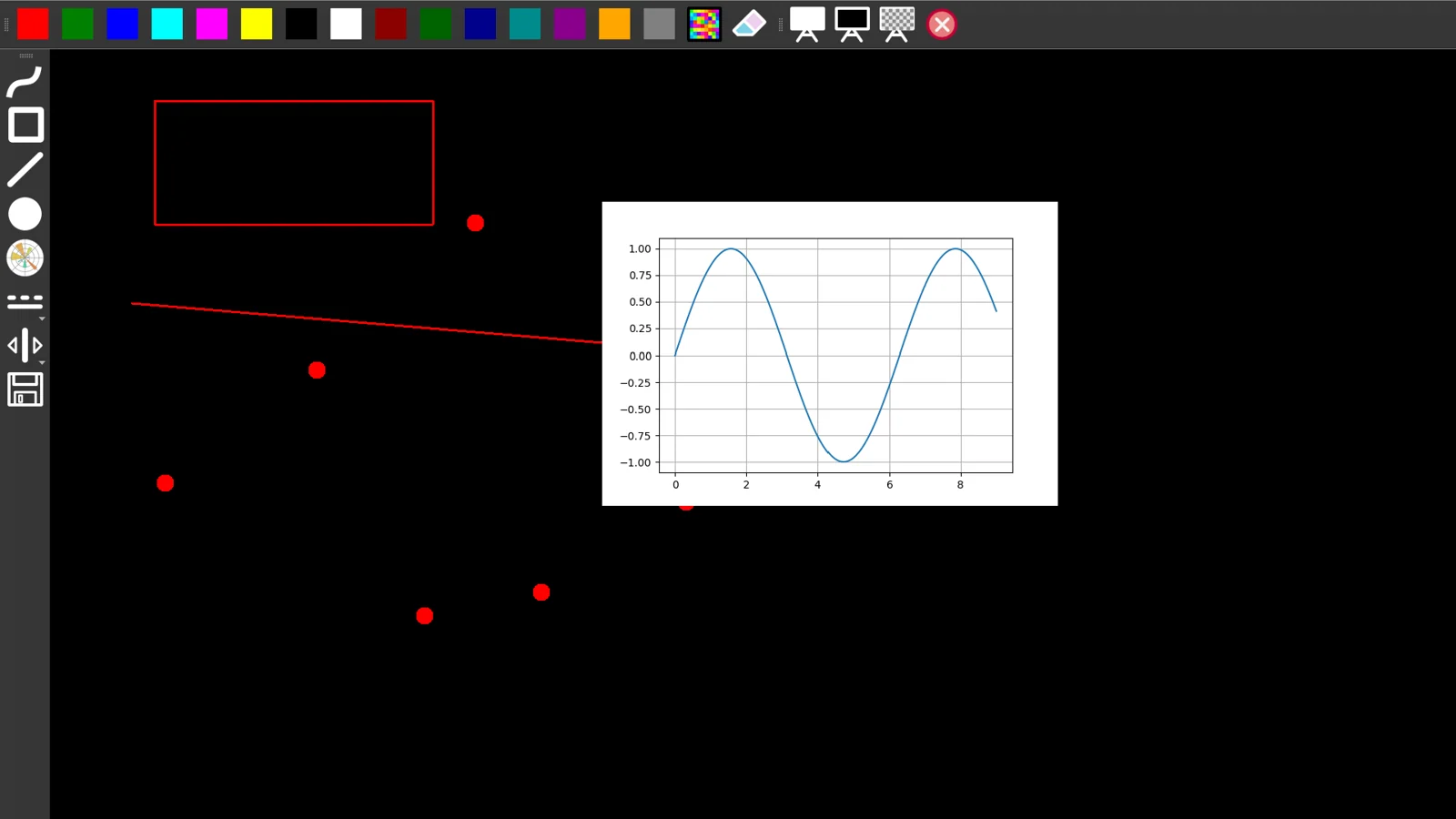
Running in a virtual environment
Create a virtual environment
mhc@mhc-PC:~/Documents/screenpen-master$ python3 -m venv screenpen-venv #创建虚拟环境screenpen-venv
mhc@mhc-PC:~/Documents/screenpen-master$ cd screenpen-venv/
mhc@mhc-PC:~/Documents/screenpen-master/screenpen-venv$ ls
bin  include  lib  lib64  pyvenv.cfg
mhc@mhc-PC:~/Documents/screenpen-master/screenpen-venv$ cd bin/
mhc@mhc-PC:~/Documents/screenpen-master/screenpen-venv/bin$ source activate #激活虚拟环境
(screenpen-venv) mhc@mhc-PC:~/Documents/screenpen-master/screenpen-venv/bin$
After activating the virtual environment, the screenpen-venv/bin directory will be added to the PATH environment variable

Copy the screenpen module to the screenpen-venv/lib/python3.12/site-packages directory
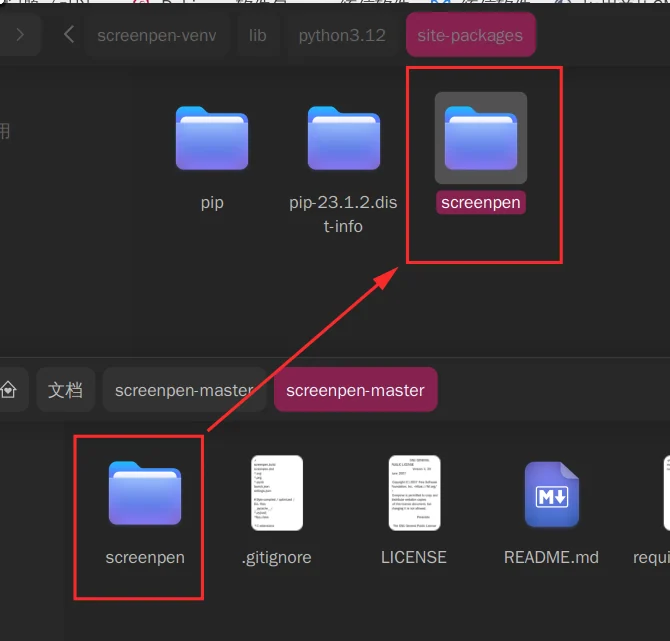

Install dependent libraries numpy, matplotlib, numpy
pip3 install pyqt5 numpy matplotlibAn error occurred when running the module

Install setuptools package
pip3 install setuptools
(screenpen-venv) mhc@mhc-PC:~/Documents/screenpen-master/screenpen-venv/lib/python3.12/site-packages$ python3 -m screenpen #运行模块
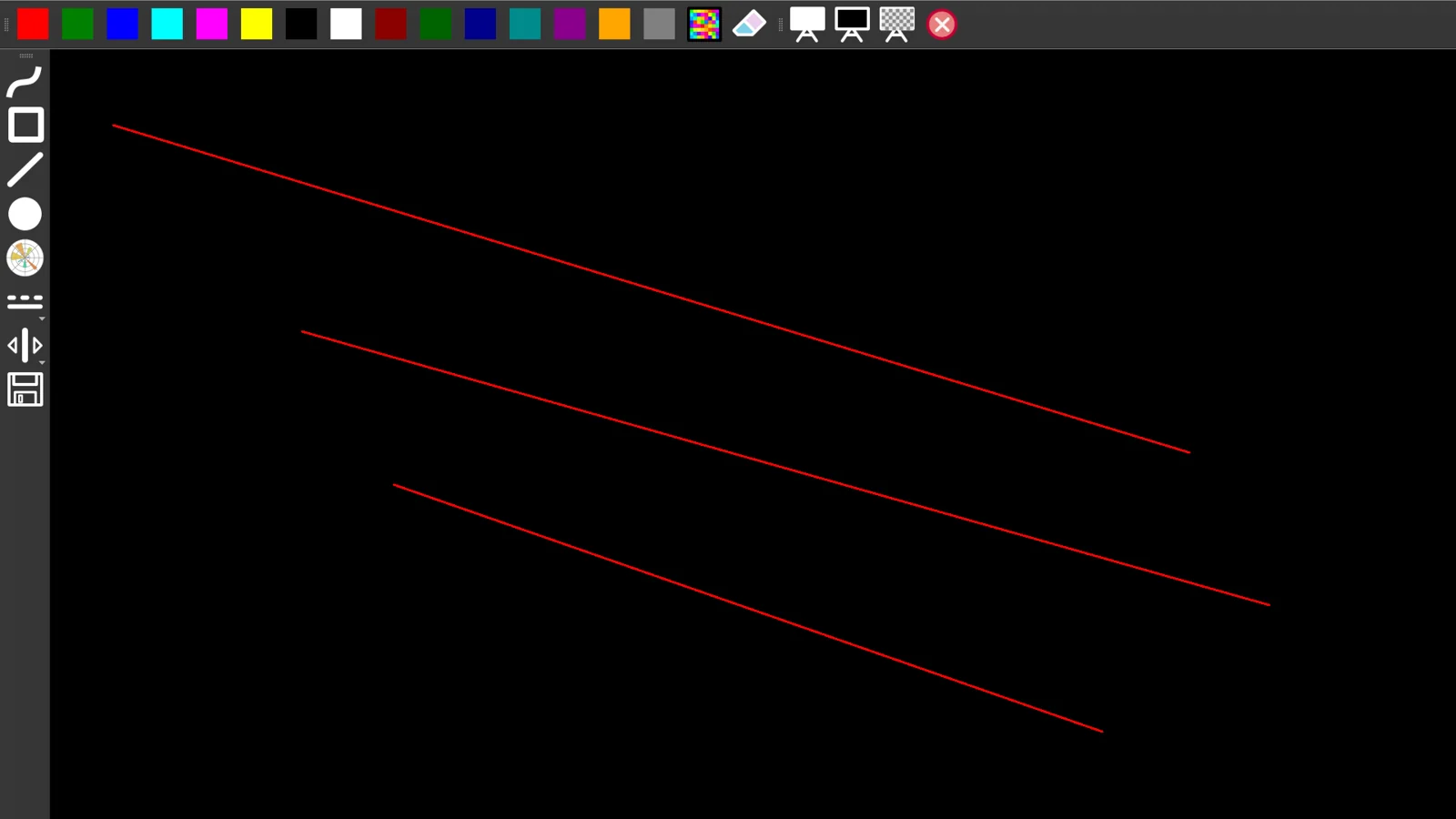
Here you can see the directory where dependent libraries are installed in the virtual environment.


The globally installed module is in /home/mhc/.local/lib/python3.12/site-packages

So one way to package Linyaps is to package a virtual environment into the Linyaps container, and then use a script to start the program
Here comes the important point, how to package Linyaps?
1. First create such a directory
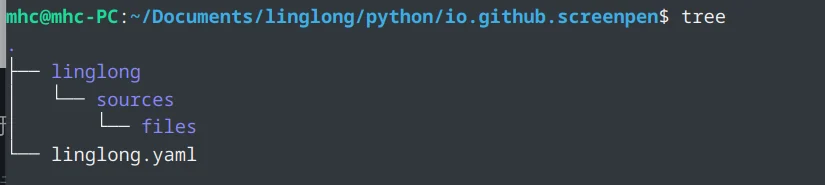
2. Put python3 in the files directory
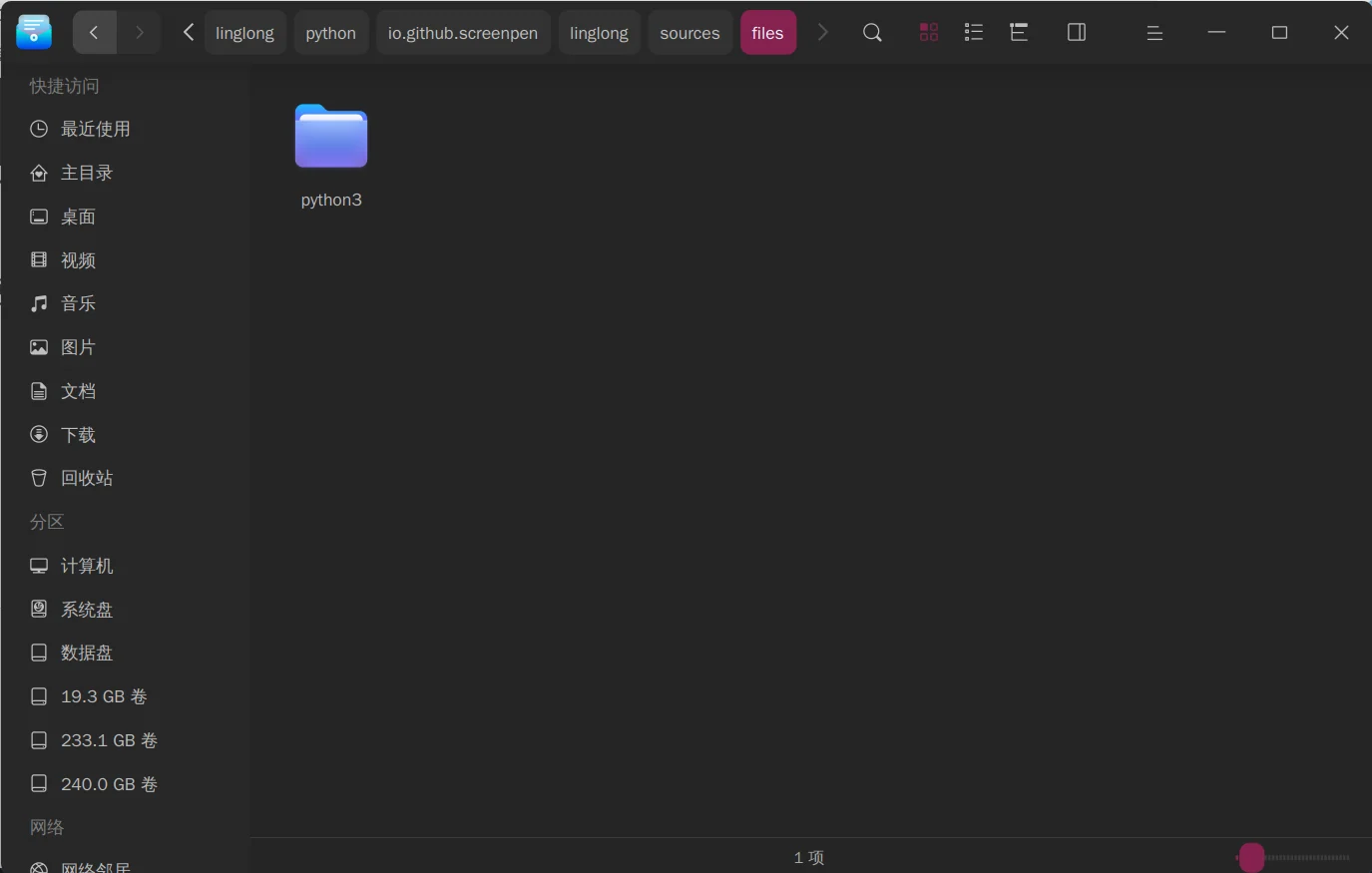
It is recommended to use this python3.11 virtual environment. When I used the python3.12 version, problems with libc and libm occurred during the build.

Successfully built using python3.11 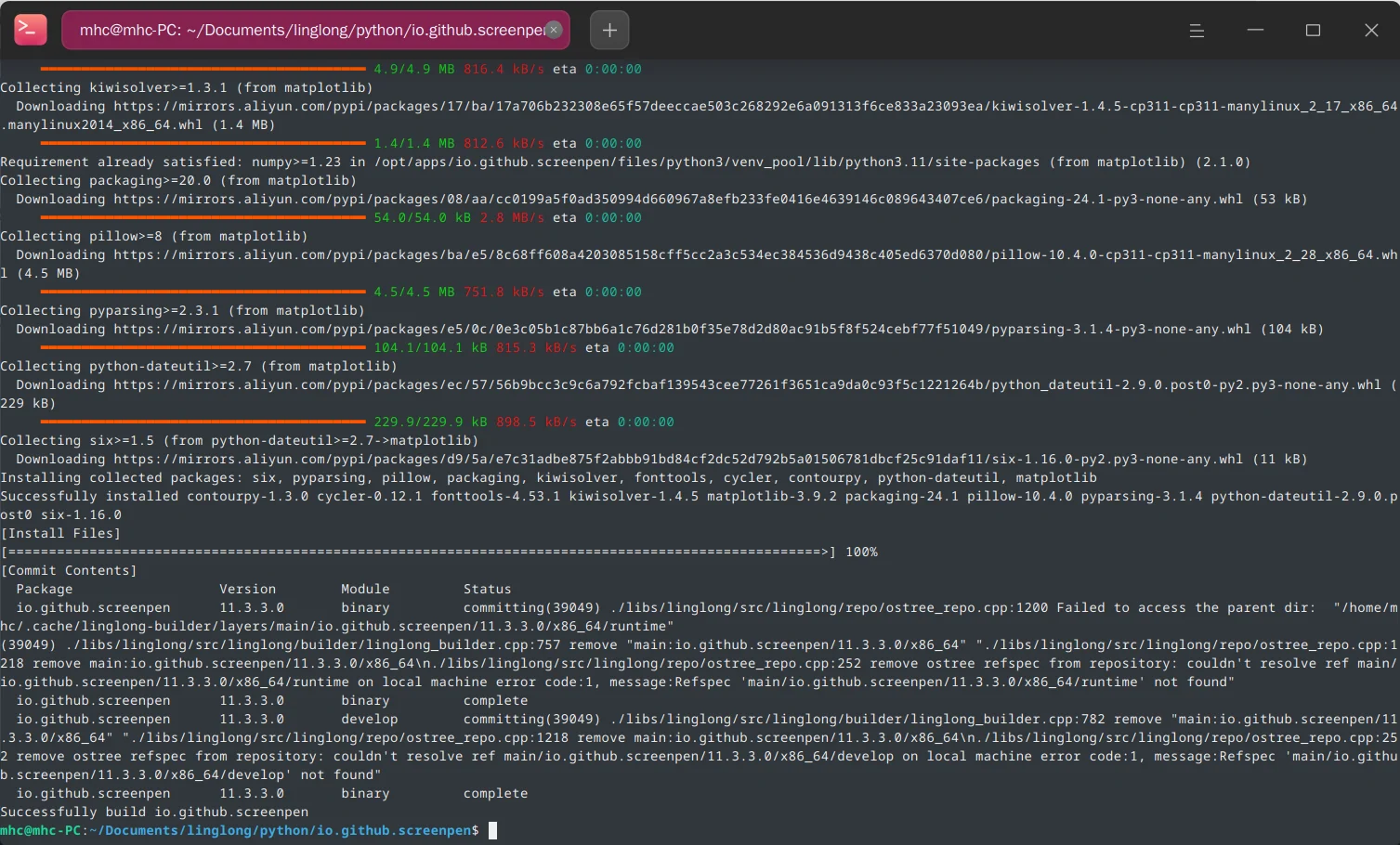
Several aspects of the linglong.yaml file worth paying attention to 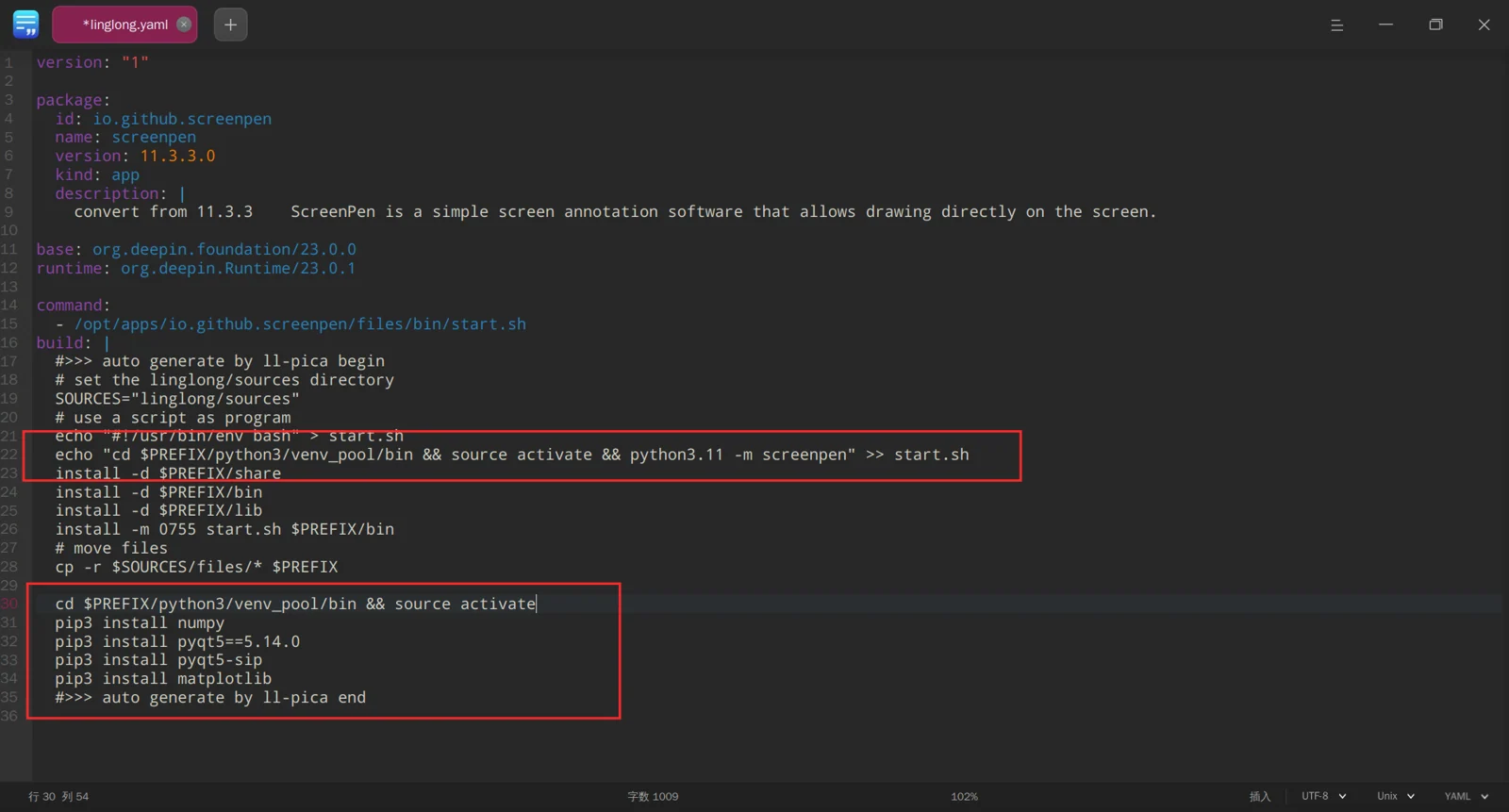
Just write the command to install dependent libraries in build.
The most important point is that the screenpen module is not put into the container
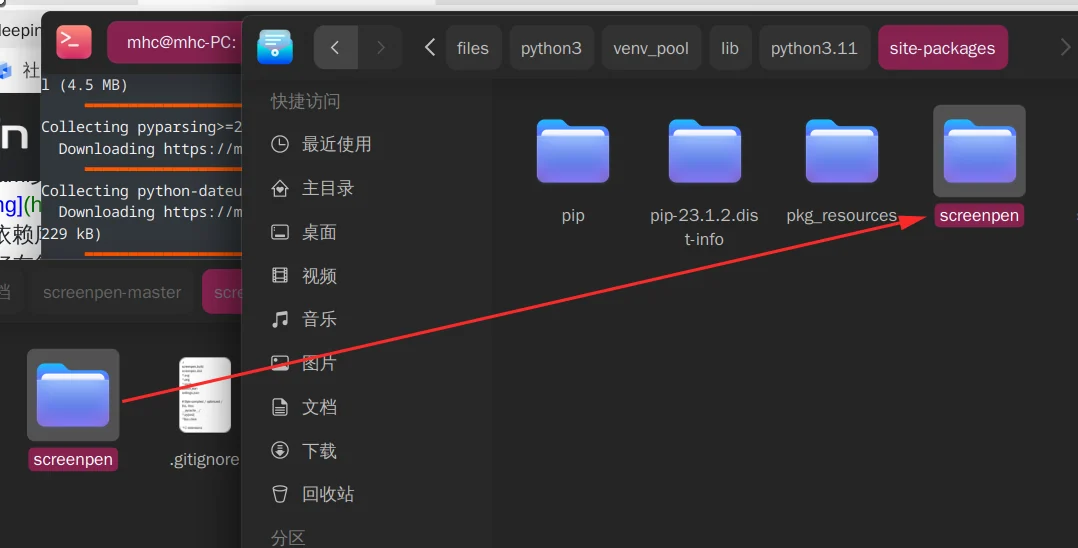
Build again
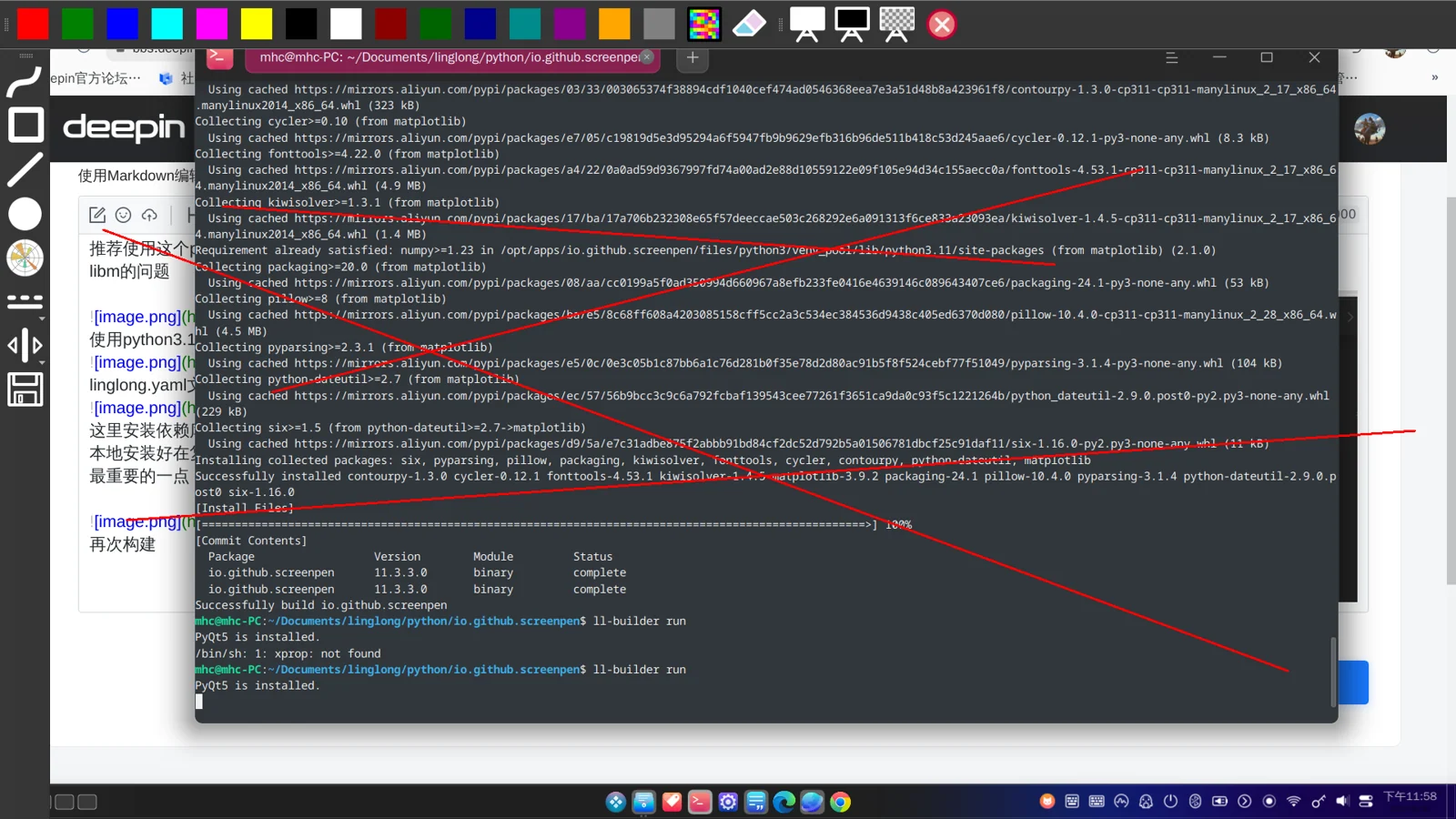
It ran successfully, of course icons and desktop are indispensable.
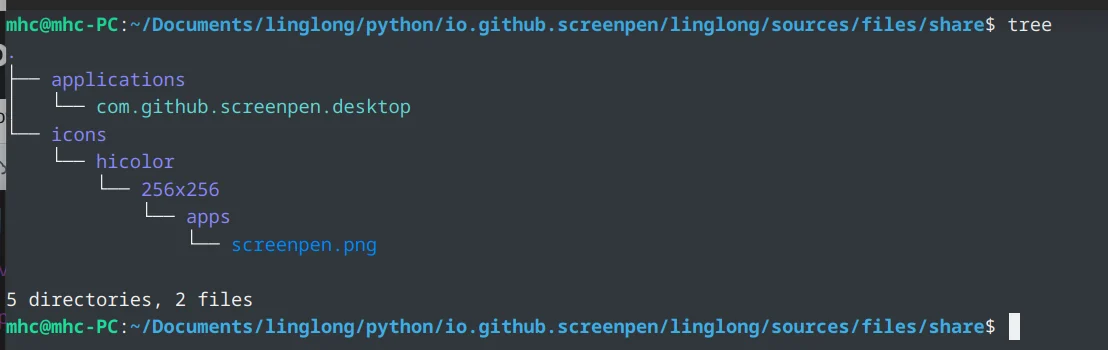

After installation, double-click the icon to run 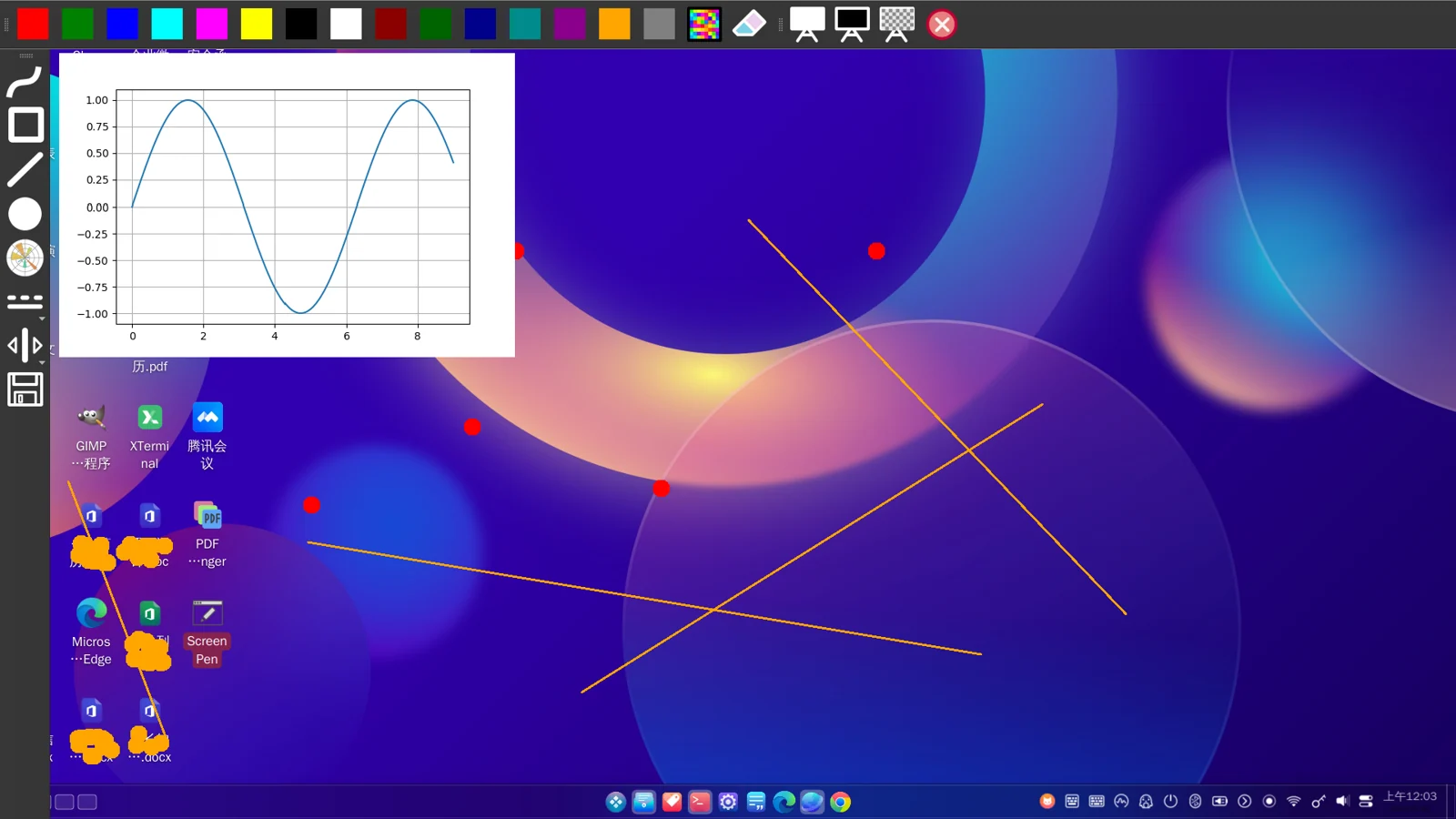
English edition: Linglong · 18 October 2026. Original publication: 2024-09-05.