This article is reproduced from deepin forum-Linyaps area- Original link Author:HelloWorld!
Recently, many friends will encounter the problem of python interpreter errors when packaging. We can use the python virtual environment to solve this problem. 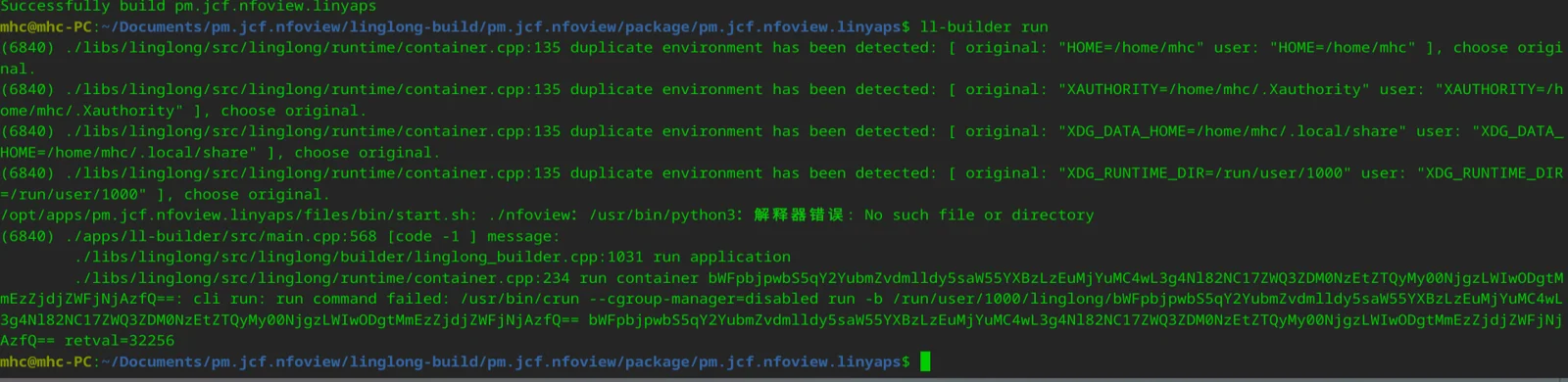
|There is a compressed package download address for python3.11 at the end of the article
1: After decompressing the compressed package, it will be a folder of python3. Copy this folder to the files directory. If there are python3 folders that can be merged, the directory must be files/python3. If you rename, you need to change many files. 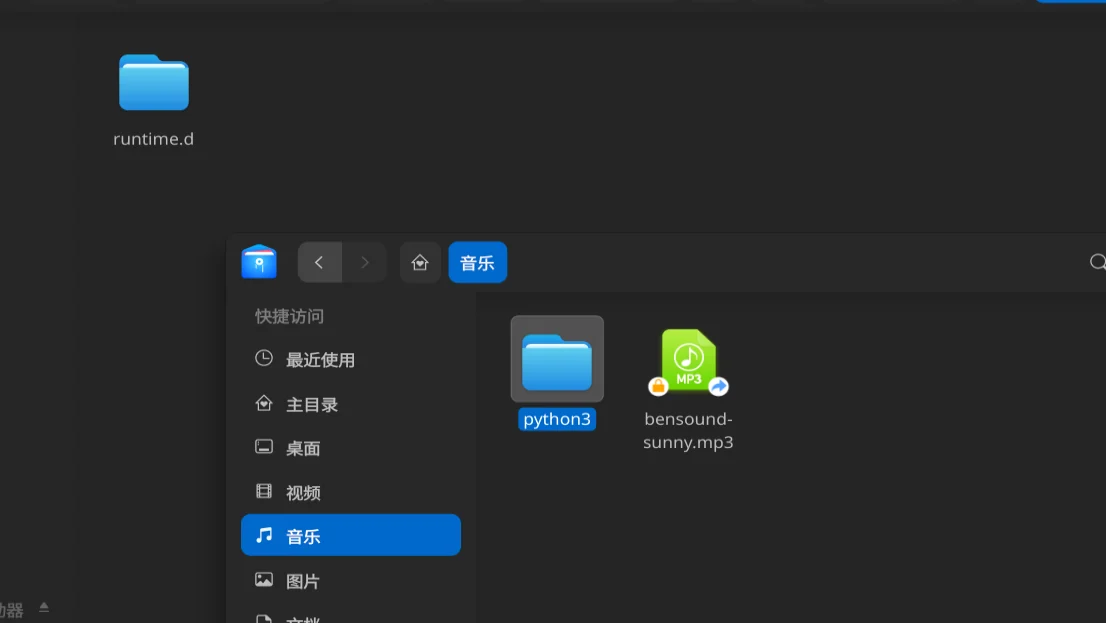
2: As long as there is a venv_pool directory in the files/python3 directory, it will be enough 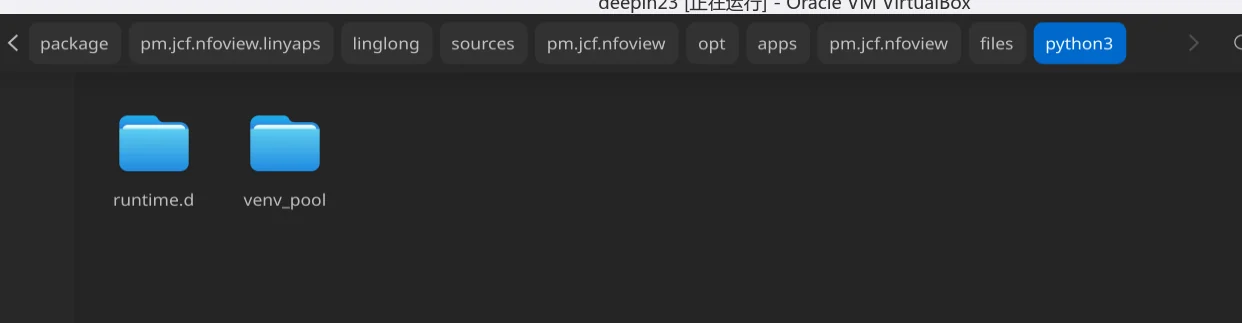
3: Here I put all the libraries under the local /usr/lib/python3.11, and the girepository file must also be there. Copy the python3.11 folder and the girepository folder to files/lib. I tried it here. In fact, this is the wrong way. The correct thing is to copy to the lib folder in the virtual environment, that is, copy to the files/python3/venv_pool/lib directory. For the libraries under the python3.11 folder here, you can first check if there are any libraries of the software itself under files/lib. If there are, you can copy them here. If it prompts that a certain module cannot be found when running, you can search for them in the /usr/lib/python3.11 directory of the local system and copy them here. 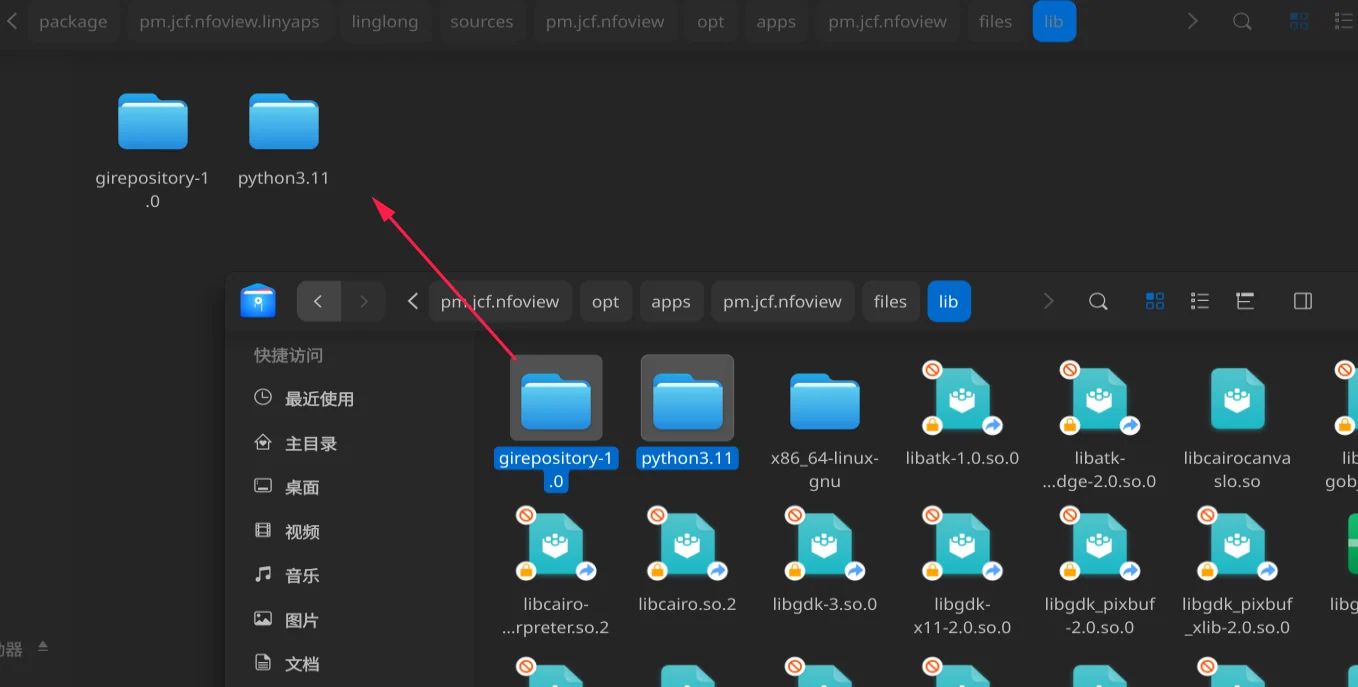
4: After the build is completed, cd to the files/python3/venv_pool/bin directory. The directory is the python interpreter and other files. Take a look at the $PATH environment variable here. There is no current bin directory. 
5: First execute source activate to activate the environment. After activation, env checks the $path environment variable and the current bin directory appears. 
6: python3.11 The executable file, there is no soft connection to python, python3.11 is fully written, an error is reported here, the gi library cannot be found, we enter the python interpreter, look at sys.path, we can see that the module search path is the lib directory in the virtual environment, I copied the library file to files/lib above, so move it, move the files under files/lib, namely python3.11 and girepository, to the python3/venv_pool/lib directory 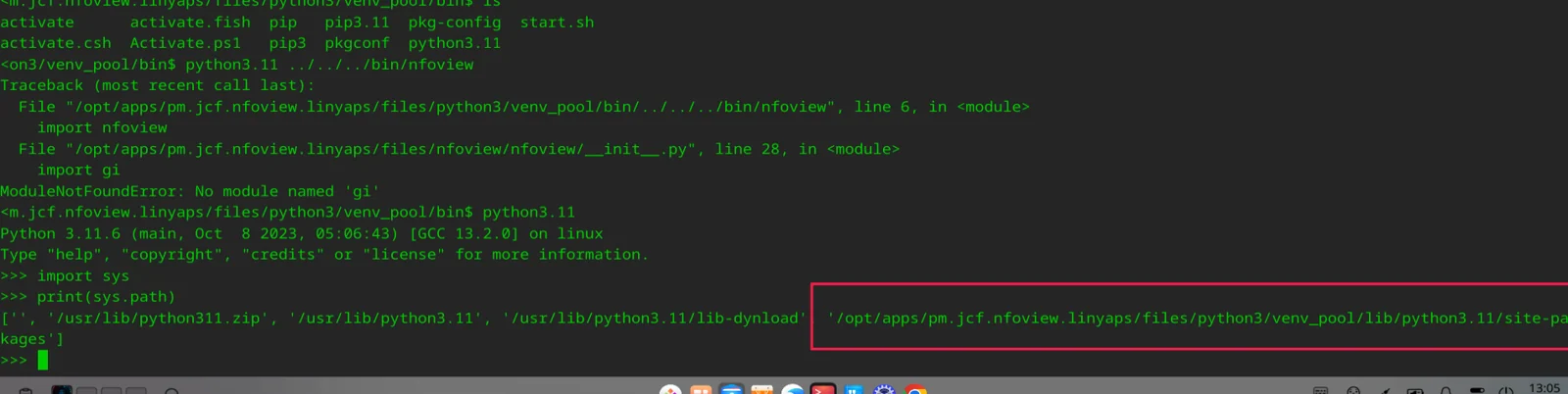
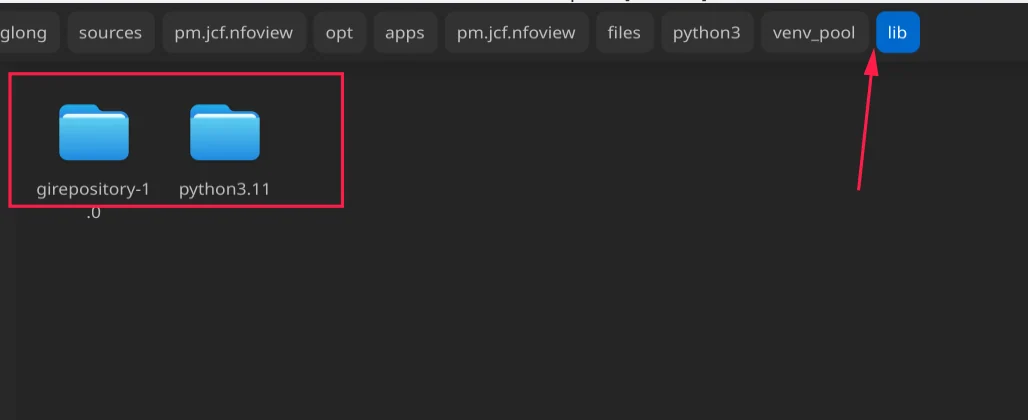
7: Rebuild, then continue to activate the virtual environment, python executes the executable file, and the window finally appears. 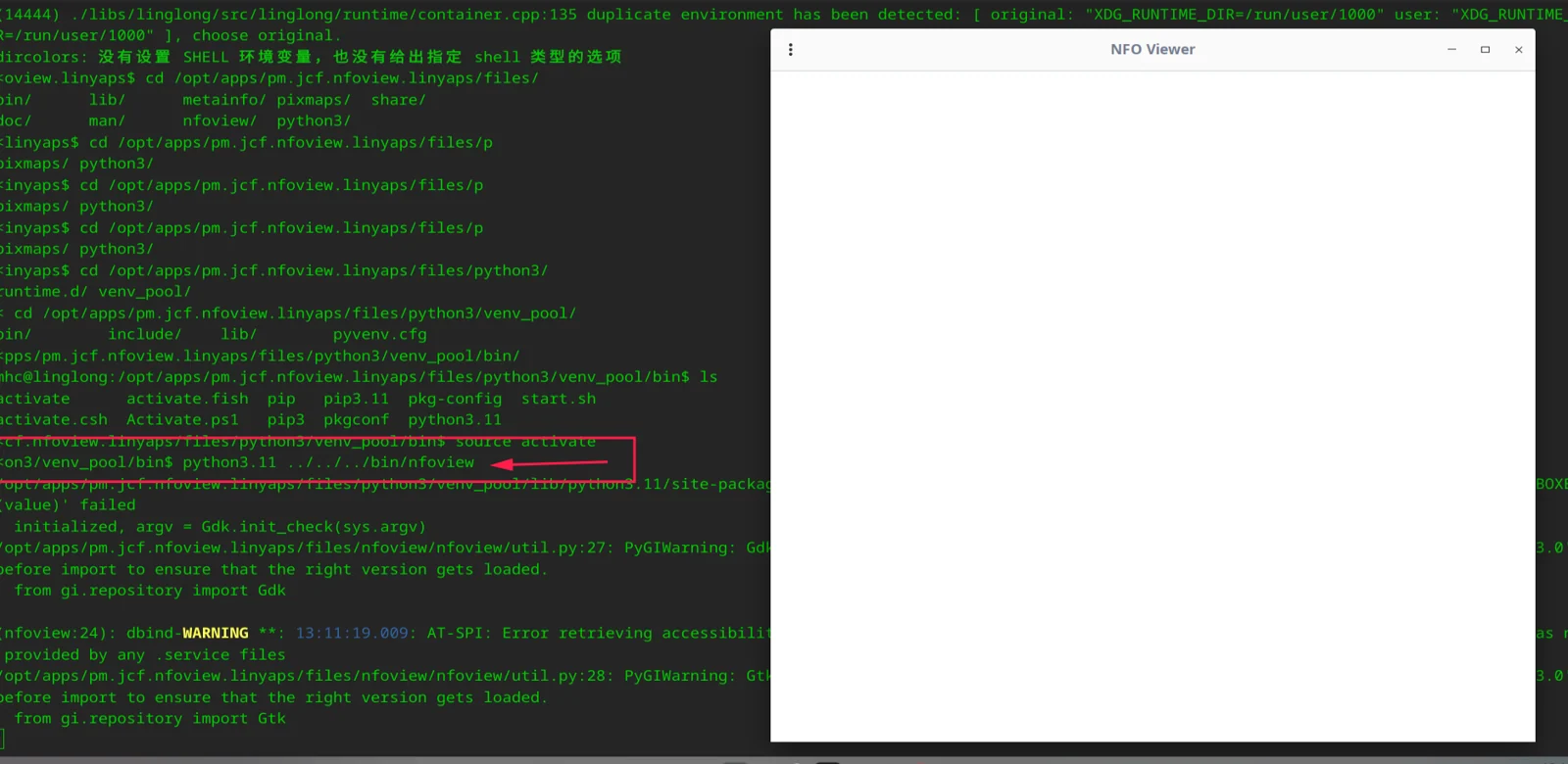
8: Then modify the start.sh script and it should run normally. What we modified is the start.sh in the virtual environment. Then modify the startup script of the yaml file and use the script in yaml to open start.sh in the virtual environment. Give it a try 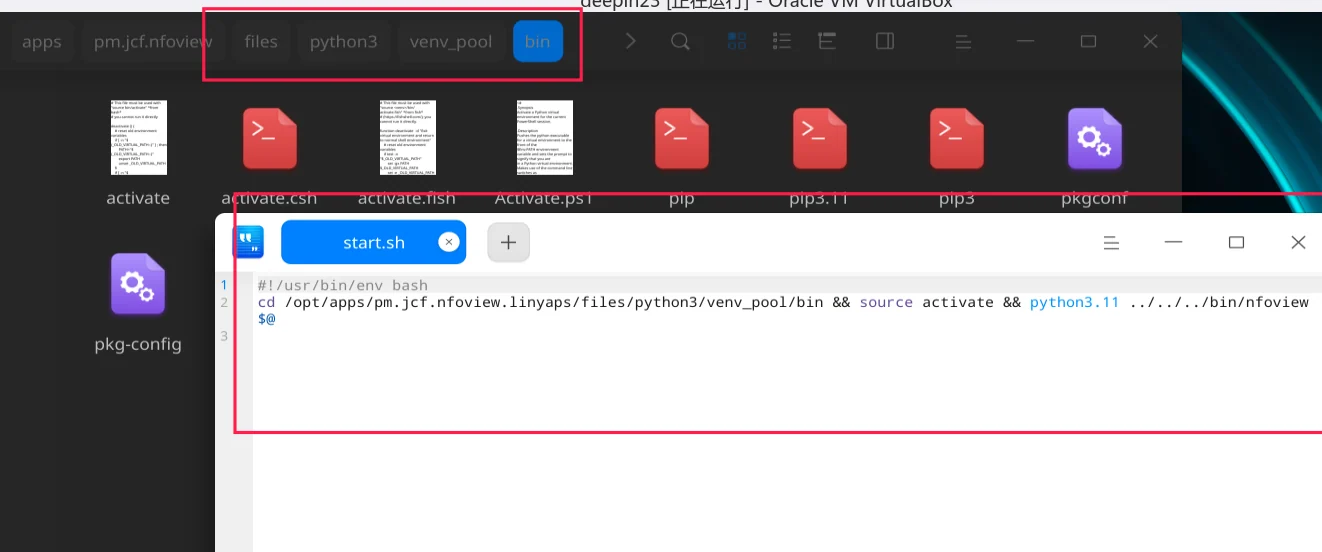
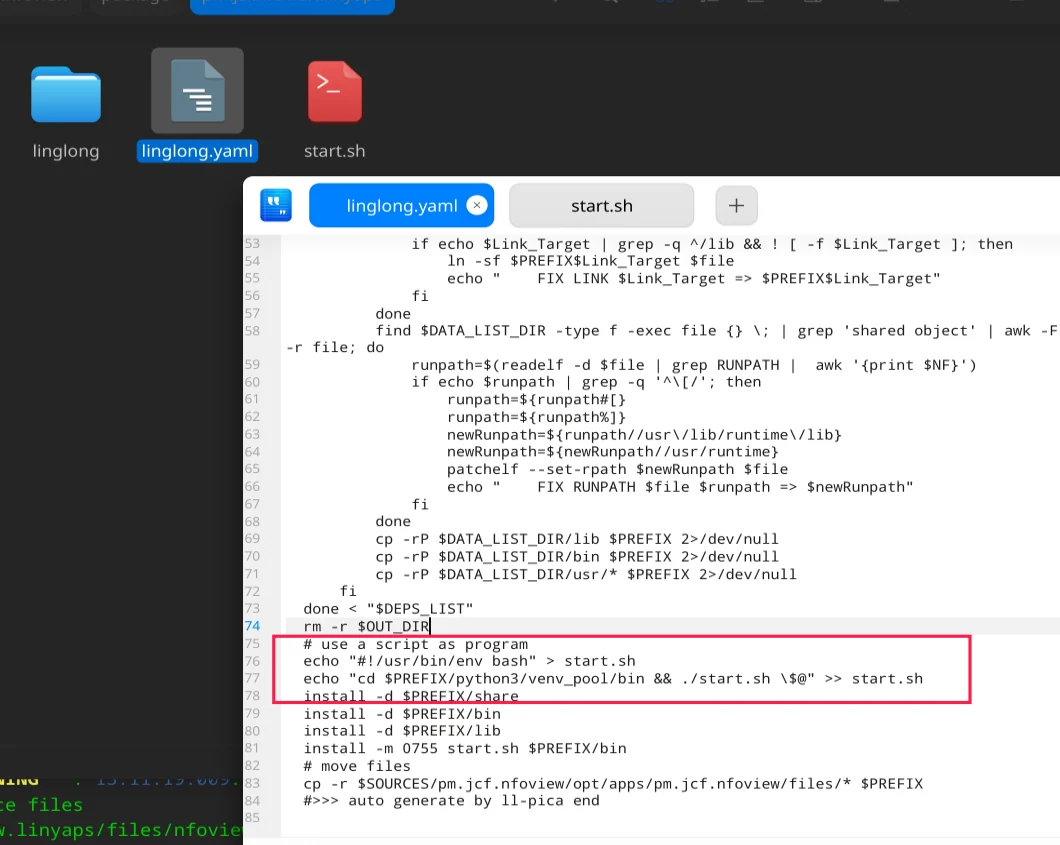
9: Run execution started successfully, export to see, because I copied all the libraries of the local system, so there are probably many useless libraries, exported and checked, it is more than 40 MB, the installation is completed, the icon can be opened normally, and the functions are normal 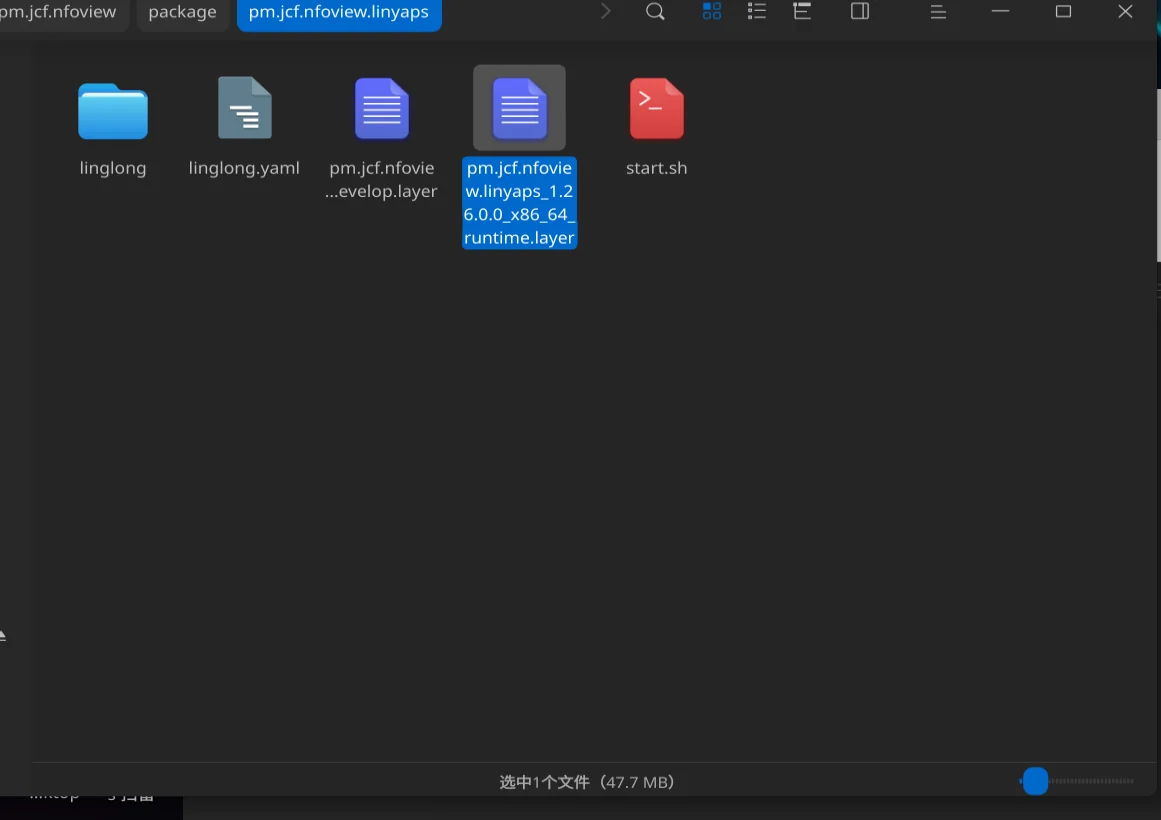
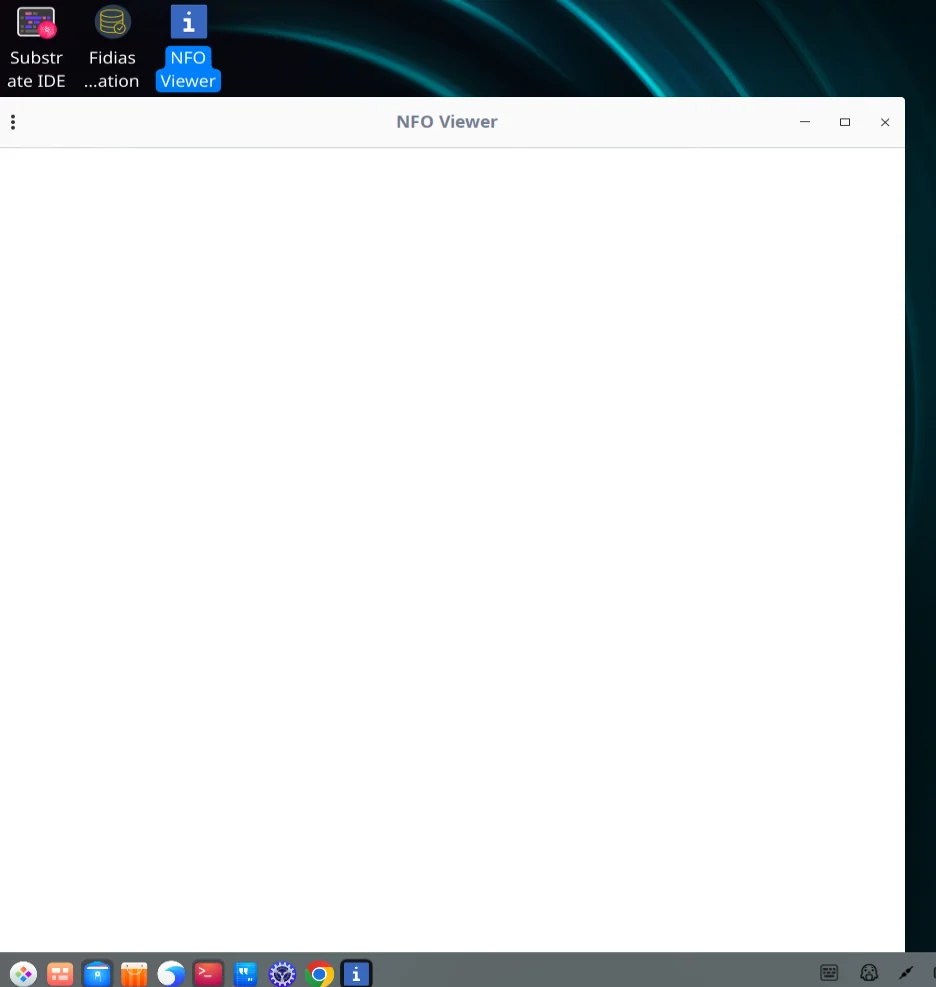
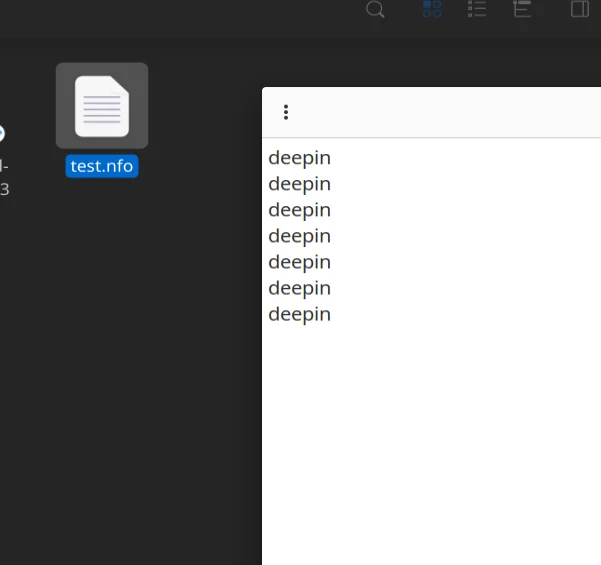
Note: In the bin/activate file in the compressed package, I added an environment variable here. This is to add that the search path for the girepository file should be in files/python3/venv_pool/lib/girepository 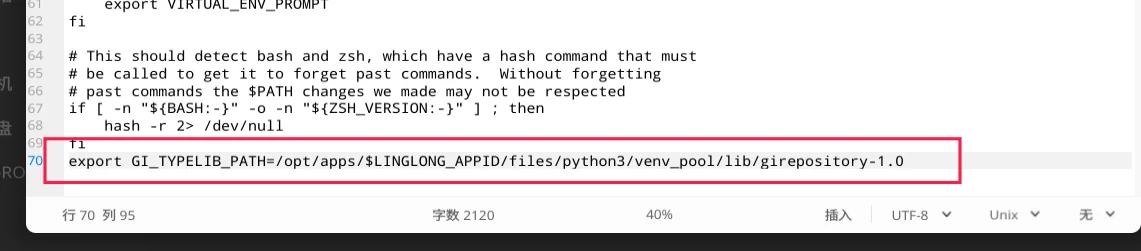
Remember to modify the start.sh script in the venv_pool/bin directory
python3.11 improved version
https://www.123pan.com/s/euRxjv-6wNg3.html
Added the python library of my local system, the file is large
python3.11 original version
https://www.123pan.com/s/euRxjv-jwNg3.html
only contains the default libraries of the virtual environment, but the libraries need to be added by yourself. You can directly copy the library files from the local system to the virtual environment, or download them with pip3. The environment variables in venv_pool/bin/activate in this file need to be modified and changed to the girepository folder in the virtual environment.
If errors such as typelib occur during operation, you can copy the girepository folder in the improved version to lib, and then modify the environment variables. The environment variables are in the last line of venv_pool/bin/activate GI_TYPELIB_PATH
English edition: Linglong · 18 October 2026. Original publication: 2024-07-01.